Google Gemini in Meet ranks #12 of 28 AI meeting assistants we tested in 2026, scoring 3.7 out of 5. For Google Workspace teams, Gemini in Meet is the strongest native notetaker going, but it stays cloud-bound and Google-locked, without the on-device privacy, offline capability, or live coaching that set Hedy apart. Pricing starts at $14/user/mo. Available on Web, iOS, Android.
Google Gemini in Meet Key Facts
Checked against vendor documentation October 14, 2026- How it records
- Built into Google Meet, no bot; the Meet app or website can also take notes for in-person meetings
- Where AI processing runs
- Cloud: transcription and AI run in Google's infrastructure
- Works offline
- No — needs an internet connection
- Trains on your data
- No — Workspace data is not used to train models outside your organisation
- Transcription languages
- 8 for notes, one at a time
- Free plan
- None
- Paid plans from
- $14/user/mo on Workspace Business Standard; $19.99/mo for consumer Google AI Pro
- In-person meetings
- Yes — "Take notes with me" in the Meet app or on the web, since August 2026
- Real-time features
- Live transcript, "summary so far", and an Ask Gemini side panel
- Compliance
- SOC 2, ISO 27001, ISO 42001, FedRAMP High; HIPAA BAA for Workspace; EU data residency available
Compare every tool on these facts in the AI meeting assistant fact sheet, or see the best Google Gemini in Meet alternatives.
Rating Breakdown
Strengths
- + No bot joins the call. Gemini takes notes natively from inside Meet
- + Included at no extra add-on cost on Workspace Business Standard and up
- + Notes auto-save as a Google Doc in Drive and attach to the Calendar event
- + Strong compliance stack: SOC 2, ISO 42001, BSI C5, FedRAMP High, plus HIPAA support
- + Content is not used to train Google's models outside your domain and is not human-reviewed
Weaknesses
- – Cloud-only, with no on-device processing and no offline mode
- – No genuinely free tier. The cheapest plan that includes it is Business Standard at about $14/user/mo
- – The notetaker handles one language at a time and supports only 8 of them
- – Thin on third-party CRM, Slack, and task-manager connectors compared with dedicated tools
- – No real-time coaching, and the structured notes Doc only arrives after the meeting
Our Verdict
For Google Workspace teams, Gemini in Meet is the strongest native notetaker going, but it stays cloud-bound and Google-locked, without the on-device privacy, offline capability, or live coaching that set Hedy apart.
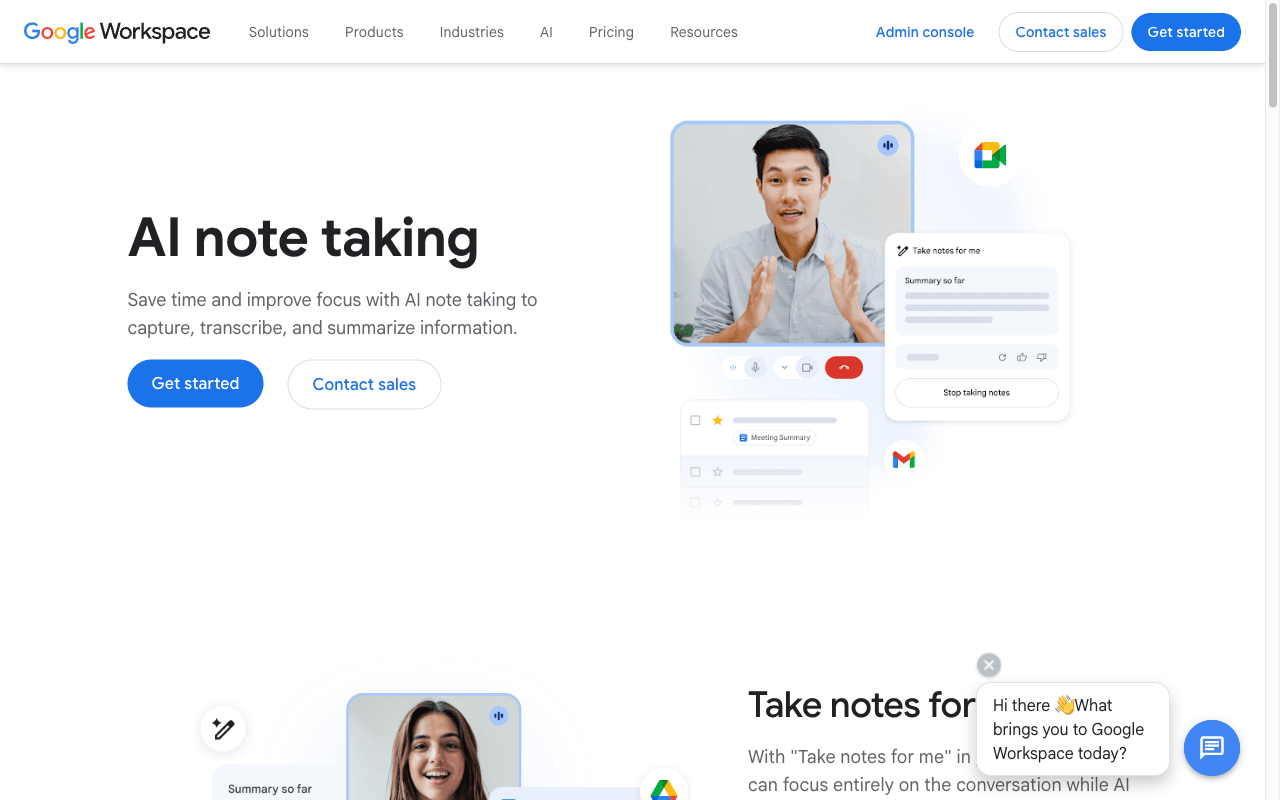
Gemini in Meet, branded “Take notes for me,” is Google’s native AI notetaker built into Google Meet and powered by Gemini. It is aimed squarely at organizations that already run on Google Workspace. There is no bot tile. No third-party app joins the call. Gemini listens from inside the Meet interface itself, transcribes the conversation, and writes up a structured set of notes when the meeting ends.
The deliverable is clean and familiar. Notes save automatically as a Google Doc in the organizer’s Drive, with a transcript, a summary, and extracted action items, and the Doc attaches to the Calendar event so attendees can find it without hunting. During the call, Gemini also runs live transcription, offers a “summary so far,” and answers questions through an “ask Gemini” side panel. For a team that lives in Docs, Drive, Gmail, and Calendar, the whole loop happens without leaving Google.
What changed in 2026 is reach. On April 22, 2026, Google expanded “Take notes for me” beyond Meet video calls so it can capture in-person meetings and Teams or Zoom sessions, and the company cited more than 110 million monthly attendees using the feature. Read that expansion carefully, though. Capture is still activated from the Google Meet app or website, so this is Meet-initiated notetaking, not a standalone recorder you can point at anything. The in-person mode, “Take notes with me,” reached general availability over the summer: Android from August 11, 2026, the web from August 14, and iOS from the end of August. It is available on Business Standard and Plus, Enterprise Standard and Plus, Frontline Plus, and the consumer Google AI Pro and Ultra plans.
Key Features
The core feature is automatic notetaking. Turn on “Take notes for me” and Gemini produces a post-meeting Doc with a summary, the full transcript, and action items, saved to Drive and linked to the Calendar invite. Live transcription runs during the call. Gemini’s in-Meet translated captions cover 70+ languages, which is useful for multilingual audiences even though the notetaker itself is more limited.
That limit matters. The notetaker supports 8 languages (English, French, German, Italian, Japanese, Korean, Portuguese, and Spanish) and it handles one language at a time. Mixed-language meetings are not supported, so a call that switches between Spanish and English mid-conversation will not produce clean notes. The “ask Gemini” side panel and the running “summary so far” round out the in-call experience. Latecomers can catch up, and anyone can query what has been said.
Integrations are deep but narrow. Inside Google Workspace, Gemini reaches across Docs, Drive, Calendar, Gmail, and the Gemini side panel that now sits in Gmail, Docs, Sheets, and Slides. Step outside that ecosystem and the story thins out fast. There are no rich native CRM, Slack, or task-manager connectors of the kind dedicated tools like Fireflies.ai and Otter.ai build their pitch around.
Pricing
There is no genuinely free tier. Gemini in Meet is not available on free Google accounts and is not included on the base Business Starter plan. The cheapest plan that includes it is Workspace Business Standard, at about $14/user/month, and it is also included on Business Plus, Enterprise Standard, and Enterprise Plus.
The pricing picture shifted in 2025. Google un-bundled the separate Gemini add-on and folded Gemini into the Business and Enterprise plans, which came with a plan price increase, and the standalone add-on SKUs were retired. For individuals outside an organization, “Take notes for me” has been available since June 29, 2026 on the consumer Google AI Pro plan ($19.99/month) and on Ultra, for calls you host. The simplest way to think about it: if your company is already on a qualifying Workspace plan, the notetaker costs nothing extra. If it is not, the real price is the Workspace upgrade.
Privacy & Security
Gemini in Meet runs in Google’s cloud, not on your device, so there is no offline mode. Every call is processed through Google’s infrastructure. That is the baseline reality, and it is why this scores where it does on privacy despite an unusually strong certification stack behind it.
The credentials are genuine. Google documents that Workspace-with-Gemini content is not used to train generative models outside your domain and is not human-reviewed, and that data stays within the organization. Compliance breadth is wide: SOC 2, ISO 42001 for AI management, BSI C5, FedRAMP High, plus HIPAA support for eligible customers, with EU and US data-residency and sovereign-AI controls available. Transcripts and notes persist as Google Docs in Drive under your normal Workspace and Vault retention policies, which admins can configure. None of that changes the architecture, though. The content still leaves the device and lives in Google’s cloud. That is the right trade-off for many teams and the wrong one for those who need audio to never leave the machine at all.
Best For
Gemini in Meet is the obvious pick for organizations already standardized on Google Workspace, especially those on Business Standard or higher who can switch it on at no additional cost. If your meetings happen in Meet and your work product lives in Docs and Drive, this is the lowest-friction notetaker you can choose, and the bot-free capture is a real advantage on client-facing and external calls.
It is a weaker fit in a few clear cases. Teams that need offline capture, on-device processing, or live coaching will not find it here. Multilingual teams running mixed-language meetings will hit the one-language-at-a-time wall. Anyone leaning hard on CRM, Slack, or task-manager automation will find the connector story thin. Worth knowing for context: in March 2026 Google Meet added a dual-queue admission system that flags third-party notetaker bots such as Otter and Fireflies as a “potential risk” and denies them by default unless the host overrides, while Google’s own native notetaker is exempt. If your organization runs Meet, that nudges the math toward the native option.
How Gemini in Meet Compares to Hedy
Both tools avoid the meeting bot, and that shared strength is worth stating plainly. Neither sends a robot tile into your call. Hedy captures system audio directly. Gemini takes notes natively from inside Meet. For Google-Workspace-centric organizations, Gemini is the strongest native option there is, with notes flowing straight into Drive and Calendar and a compliance stack most rivals cannot match.
Where Hedy pulls ahead is architecture and reach. Gemini is cloud-based and locked to the Google and Meet ecosystem. It captures from Meet, stores notes on Google’s cloud, and cannot work without a connection. Gemini can now take notes in person through the Meet app, but only from inside Google’s ecosystem. Hedy can run its AI on-device on supported hardware, captures across any meeting platform and in person, keeps the data local, works offline, and does real-time coaching during the conversation, which Gemini does not offer. Hedy also carries its own SOC 2 and HIPAA posture without requiring you to buy into a particular productivity suite. So the split is clean. Gemini in Meet is the best native notetaker for teams committed to Google Workspace, while Hedy is the better fit when on-device privacy, true cross-platform and in-person capture, offline reliability, and live coaching are what you need.