Zoom AI Companion ranks #13 of 28 AI meeting assistants we tested in 2026, scoring 3.7 out of 5. No longer Zoom-only, and no longer branded AI Companion: Zoom's built-in AI is a credible agentic assistant, but it stays cloud-bound and lacks the on-device processing and live coaching that set Hedy apart. Pricing starts at $14.16/mo with a free tier available. Available on Web, Mac, Windows, iOS, Android.
Zoom AI Companion Key Facts
Checked against vendor documentation October 14, 2026- How it records
- Built into Zoom meetings, no bot; My Notes also captures Teams, Google Meet and in-person conversations
- Where AI processing runs
- Cloud — Zoom's own models plus third-party models, run in Zoom's cloud
- Works offline
- No — needs an internet connection
- Trains on your data
- No — Zoom's terms say it does not use audio, video or chat content to train AI
- Transcription languages
- Not published as a single figure; support varies by feature
- Free plan
- Basic: AI summaries and in-meeting questions for 3 hosted meetings/month, 3 My Notes uses, 20 AI queries; 40-minute meetings
- Paid plans from
- Workplace Pro $14.16/mo billed annually ($16.99 monthly), AI included; ZoomMate $16.67/mo annually
- In-person meetings
- Yes — My Notes and In-Person transcription
- Real-time features
- In-meeting questions and catch-up; live audio translation on ZoomMate; no live coaching
- Compliance
- SOC 2; HIPAA BAA; ISO 27001; EU data processed in the US under the Data Privacy Framework
Compare every tool on these facts in the AI meeting assistant fact sheet, or see the best Zoom AI Companion alternatives.
Rating Breakdown
Strengths
- + Core AI features included at no extra cost with any paid Zoom Workplace plan
- + Optional ZoomMate tier adds custom agents, deep research, and live audio translation
- + My Notes captures Teams, Google Meet, and in-person conversations
- + Agentic features with cross-app retrieval and document drafting
Weaknesses
- – All processing happens in Zoom's cloud — no offline mode
- – No real-time coaching
- – Cross-platform capture is full on desktop/web but Zoom-and-in-person only on mobile
- – Best value still assumes you live inside Zoom Workplace
Our Verdict
No longer Zoom-only, and no longer branded AI Companion: Zoom's built-in AI is a credible agentic assistant, but it stays cloud-bound and lacks the on-device processing and live coaching that set Hedy apart.
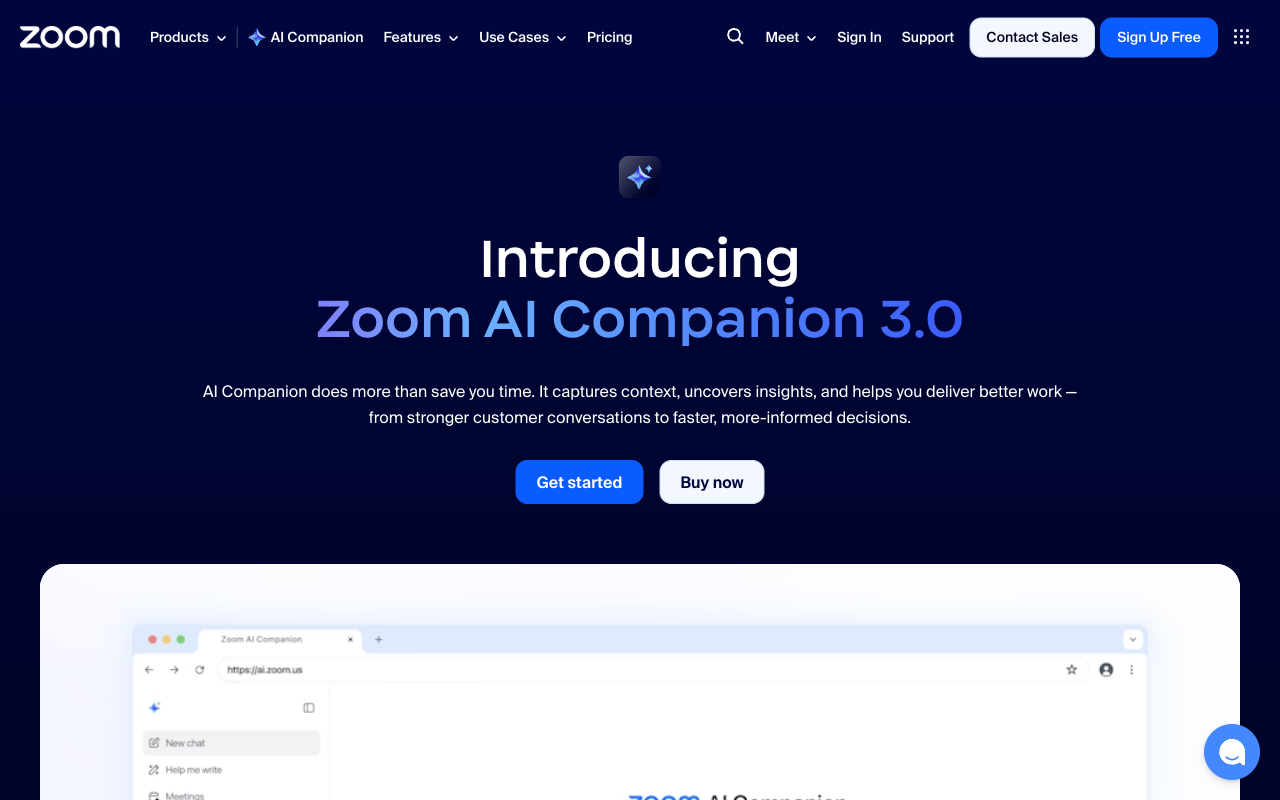
Zoom AI Companion started life as a meeting-summary feature bundled into Zoom, and it has now outgrown its own name. On 24 June 2026 Zoom retired the AI Companion brand: the features are built into Zoom Workplace under plain names like meeting summaries and My Notes, still included with eligible paid plans, while the most advanced agentic tools moved into a new paid tier, ZoomMate. We keep the old name on this review because that is what most buyers still search for. The product itself is larger than the original feature: at Zoomtopia 2025, Zoom unveiled AI Companion 3.0 and repositioned the product as an agentic AI platform, with general availability arriving through November and a wider launch announced on December 15, 2025. It still generates meeting summaries, drafts follow-ups, suggests smart replies, and answers questions about what was discussed. But it now also retrieves information across your meetings and connected apps, drafts documents from transcripts, and reaches into conversations that happen outside Zoom entirely.
The appeal remains simplicity. There is nothing to install for existing Zoom users, no bot to configure, and, unless you want ZoomMate, no separate subscription to manage. You enable the AI features in settings and it starts working — summaries appear after calls, action items are extracted automatically, and the AI can catch up latecomers on what they missed. The friction-free integration is still a real advantage if Zoom is your hub.
What changed most is reach. The old criticism — that AI Companion only worked inside Zoom — no longer holds. Through the new My Notes notetaker, it captures Microsoft Teams, Google Meet, and in-person conversations, and a dedicated In-Person transcription mode records offline conversations straight from the AI Companion web interface with no meeting link required. The AI analysis has also moved past “adequate but basic”: it now brings agentic retrieval and document drafting, with deep research and a custom agent builder on ZoomMate, built on a mix of Zoom’s own models plus OpenAI and Anthropic. The genuine gaps now are narrower. There is still no real-time coaching, and everything runs in Zoom’s cloud rather than on your device.
Key Features
Agentic retrieval and search, first launched with AI Companion 3.0, are the centerpiece. They let you query across past meetings, transcripts, and notes, and across third-party connectors — Google Drive and Microsoft OneDrive are live, with Gmail and Outlook coming, and a May 2026 expansion added agentic search across ten connectors including Salesforce, Workday, and ServiceNow. My Notes is the AI notetaker that works beyond Zoom, covering Teams, Google Meet, and in-person conversations and syncing between desktop and mobile (with the mobile caveat that third-party apps aren’t captured there yet). In-Person transcription records face-to-face conversations from the web with no meeting link.
There is also a Help Me Write mode with canvas editing that drafts and revises business documents from meeting transcripts and assets, exporting to Markdown, PDF, Word, and Zoom Docs, with a deep research mode on ZoomMate. Personal Workflows, in beta, is a low-code drag-and-drop builder for automating follow-ups, daily reflection reports, and Team Chat summaries. A new conversational web surface at ai.zoom.us gives standalone access outside the Zoom client. The older staples remain: post-meeting summaries, Smart Compose for chat and mail, catch-up for latecomers, and automatic whiteboard summarization.
Pricing
For existing Zoom customers, the core deal is unchanged by the rebrand: the AI features are included at no extra cost with any paid Zoom Workplace plan — Pro at $14.16/user/mo billed annually ($16.99 monthly), Business at $18.33/user/mo annually, and Enterprise on custom pricing. The bundling makes it effectively free if you already pay for Zoom.
Free Basic accounts get a taste: AI summaries and in-meeting questions for 3 hosted meetings a month, 3 My Notes uses, 20 AI queries, and 3 Canvas docs, all on Basic’s 40-minute meetings.
The paid step up is now ZoomMate, generally available since 1 June 2026 at $20/user/mo, or $16.67 billed annually. It includes 2,200 AI credits per user per month, unlimited My Notes, the custom agent builder, deep research, and live audio translation. It replaced the Custom AI Companion add-on, which reached end-of-sale on 1 June 2026 with ZoomMate as the upgrade path. The $10/user/mo standalone AI Companion that Zoom introduced in December 2025 no longer appears on Zoom’s current pricing pages.
Privacy & Security
Zoom processes its AI feature data through its cloud. Following the 2023 backlash over terms that appeared to permit it, Zoom’s terms state it does not use audio, video, or chat content to train its AI models, and an April 2026 review of those terms confirms that position holds. Zoom has long held SOC 2 and ISO 27001 certifications and signs HIPAA BAAs. Enterprise administrators get data-handling controls, including data-residency processing options. No new breach or incident surfaced in this review.
The architecture is still fundamentally cloud-based. All meeting content flows through Zoom’s AI pipeline, and Zoom’s federated model approach routes work across Zoom’s own LLMs and SLMs plus third-party models from OpenAI, Anthropic, and NVIDIA’s open Nemotron family. For organizations already trusting Zoom with their meeting content, its AI features add little new exposure. EU data is still processed in the US under the EU-U.S. Data Privacy Framework, which matters for teams with strict data-sovereignty requirements — the same caveat that applies to any cloud assistant.
Best For
Zoom AI Companion is the obvious pick for organizations that center their work on Zoom and want capable AI without adding another vendor. The zero-setup, zero-extra-cost bundle is hard to beat for Zoom Workplace customers, and My Notes makes it viable for Zoom customers who also join Teams and Meet calls. ZoomMate also suits companies that want agentic retrieval tied into Salesforce, ServiceNow, or Google Drive.
It is a weaker fit where you need live in-meeting coaching, or where data must stay on the device rather than passing through a cloud pipeline. Mobile-first teams that rely on Teams or Meet on their phones should note that those apps aren’t captured by My Notes on mobile yet.
How Zoom AI Companion Compares to Hedy
The gap between these two has narrowed, and a fair comparison says so. Zoom AI Companion is no longer trapped inside Zoom — My Notes captures Teams, Google Meet, and in-person conversations, and its agentic search reaches across connected apps like Salesforce and Google Drive. If you already pay for Zoom, it is included and frictionless, and ZoomMate adds custom agents and deep research for $16.67/user/mo billed annually. Those are real strengths, and the old “only works within Zoom” knock no longer applies.
Where Hedy still pulls ahead is architecture. Zoom processes everything in its cloud; Hedy runs transcription on-device and, with Local AI on supported hardware, summarization and analysis too, which means it keeps working with no internet and never sends your conversation to a server. Hedy also does real-time coaching during the conversation — surfacing prompts and guidance live — which Zoom AI Companion does not offer. And Hedy needs no meeting bot or platform integration to capture any conversation, in person or online. So the choice is clearer than it used to be: Zoom AI Companion is a strong, increasingly agentic assistant for cloud-comfortable teams already oriented around Zoom, while Hedy is the better fit when on-device privacy, offline capability, and live coaching are the priorities.