Wispr Flow ranks #23 of 28 AI meeting assistants we tested in 2026, scoring 3.3 out of 5. The most interesting new entrant of 2026: a real-time-capable, bot-free notetaker with unusually accurate name handling, held back by macOS-only availability and an unproven analysis layer. Pricing starts at $15/mo with a free tier available. Available on mac.
Rating Breakdown
Strengths
- + Live transcript during the call plus an on-demand "catch me up" summary, which most bot-free tools lack
- + Personal dictionary carries over from Flow's dictation product, so acronyms and product names are spelled right
- + Speaker names pulled from calendar invites rather than guessed
- + Bot-free capture with no participant notification and no platform permissions to negotiate
- + Genuine free tier including the notetaker, and $12–15/month bundles dictation and meetings together
Weaknesses
- – macOS only for the Notetaker; Wispr's help center still lists Windows as coming soon as of September 2026, and mobile is on the roadmap
- – Launched 5 August 2026, so the AI analysis layer is less mature than established competitors
- – Training is opt-out rather than excluded by default, so the setting has to be found and changed
- – Notetaker is not yet available on the Enterprise plan, so admin-managed rollouts must wait
- – No offline capability — capture is local but AI processing runs in Wispr Flow's cloud
- – Free plan carries a weekly meeting limit
Our Verdict
The most interesting new entrant of 2026: a real-time-capable, bot-free notetaker with unusually accurate name handling, held back by macOS-only availability and an unproven analysis layer.
Wispr Flow spent three years building a very good AI dictation tool, and on 5 August 2026 it shipped a meeting notetaker built on the same foundations. That heritage shows up in the places that matter, and it explains why a brand-new product lands mid-table rather than at the bottom.
The company’s chief executive, Tanay Kothari, called 2026 “the year of meeting recorders and notetakers,” which is both true and a fair description of how crowded the field Wispr just entered has become. What makes this launch worth attention is not that it exists, but that it does two things the incumbents mostly do not.
Key Features
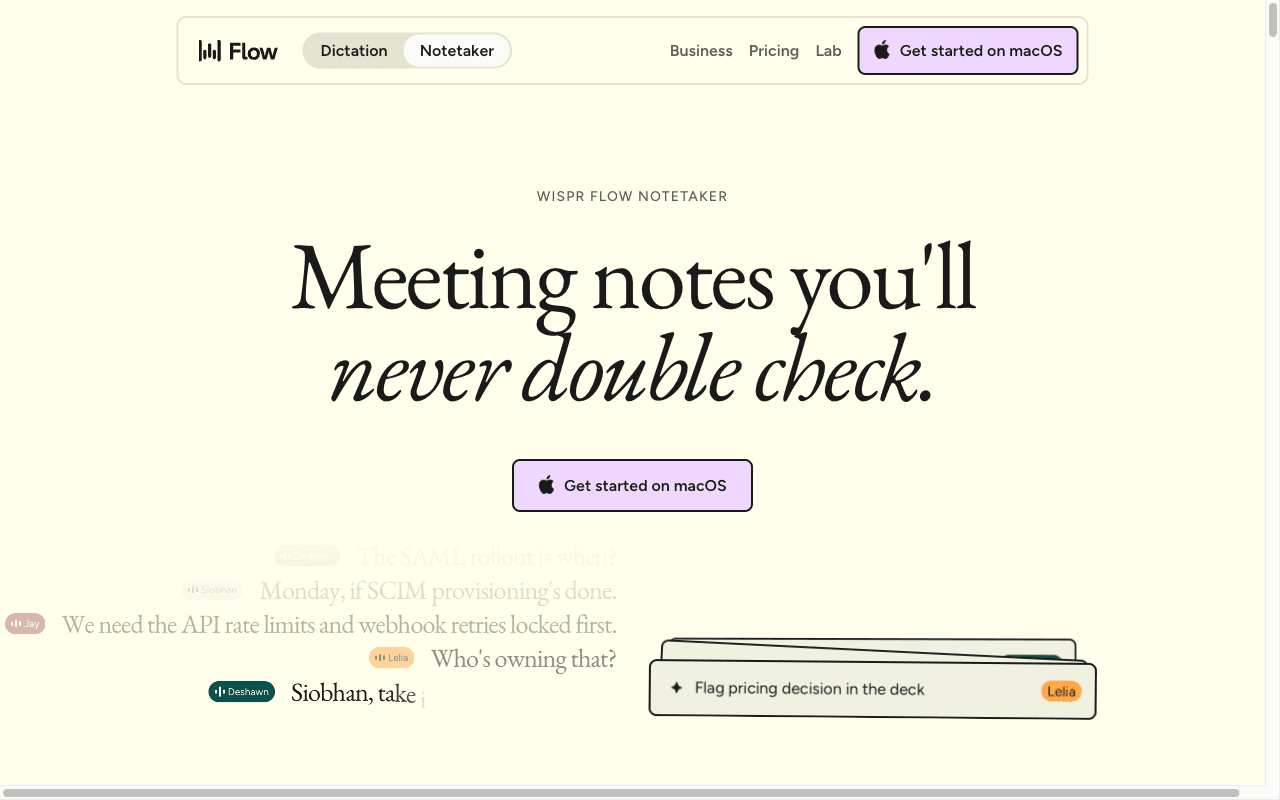
The first is names. Almost every notetaker mangles product names, acronyms, and jargon, and almost every one guesses at who is speaking. Wispr Flow carries over the personal dictionary from its dictation product, so the vocabulary you have already trained follows you into meetings, and it pulls speaker names from the calendar invite rather than inferring them from voice. These sound like small things. In practice they are the difference between a transcript you can paste into a document and one you have to clean up first, and they are the clearest evidence that this was built by people who had already solved the hard part of speech capture.
The second is that it works during the meeting. You see a live transcript as the call runs, and you can ask the AI to catch you up on what you missed — the moment you rejoin after being pulled away, or realise you have not been listening for four minutes. Most bot-free notetakers, including Granola, Jamie, and Circleback, are strictly post-meeting products. Wispr Flow is not, and that is why it scores a 4 on real-time capability where those tools score a 1 or 2.
Beyond that it does the expected things: cleaned-up transcripts, action items, and querying across your meeting history. There is MCP access even on the free plan, which is a forward-looking touch for anyone wiring meeting data into their own models.
The AI analysis layer is the least proven part. Summaries and action items are competent but not distinctive, which is what you would expect from a product two weeks old. We score it a 3 and expect that to move.
Pricing
The free plan includes the Notetaker with speaker identification and MCP access, subject to a weekly meeting limit. That is a real free tier, not a five-meeting trial, and it is more generous than Bluedot’s or Circleback’s entry offering.
Pro is $15 per user per month, or $12 billed annually, and bundles unlimited dictation alongside longer meeting retention, better AI models, and priority support. The bundling is the pricing story. If you were already paying for a dictation tool, the notetaker is effectively free; if you were already paying for a notetaker, the dictation is. Against Circleback at $20.83 and Bluedot’s $32 Business tier, that is a strong position.
Enterprise is a listed tier with SAML SSO, SCIM, SOC 2 Type II, ISO 27001, a HIPAA-ready BAA, audit logs, and MDM. The catch for this review is that the Notetaker itself is marked “coming soon” for Enterprise, so today it is a Free and Pro product. Admin-managed rollouts have to wait.
Privacy & Security
Capture happens locally and no bot joins your call, so participants get no automatic notification and there is nothing for a meeting host to admit from a lobby. That is the same posture as Granola, Jamie, and Circleback, and it carries the same obligation: disclosure is on you.
The AI processing runs in Wispr Flow’s cloud. Marketing language about Flow working “right on your device” describes the capture and the dictation path, not the meeting analysis pipeline, and we want to be precise about that distinction because it is exactly where buyers get misled. This is a cloud tool with local capture. It will not work on a plane, and meeting content does leave your machine.
On model training, Wispr Flow publishes an opt-out on every tier: Free and Pro both list “opt out of model training, any time,” and Enterprise can turn it off for a whole team. That is meaningfully better than nothing and meaningfully weaker than the contractual no-training commitments Circleback and Jamie publish, because the default is opt-out rather than excluded and most users never change a default. We score it a 4 rather than a 5 for that reason.
Wispr Flow lists SOC 2 Type II, ISO 27001, and a HIPAA-ready BAA on its Enterprise tier. Because the Notetaker is not yet available on Enterprise, buyers who need those assurances for meeting data specifically should confirm scope before relying on them.
Best For
Wispr Flow suits individual professionals and small Mac-based teams who want one tool for dictation and meetings, who value getting names and jargon right, and who want live in-meeting support without a bot. Writers, consultants, founders, and anyone whose vocabulary defeats ordinary transcription will get disproportionate value from the personal dictionary.
It is a poor fit for anyone on Windows today, for mixed-OS teams, and for organisations that need admin-managed deployment of the Notetaker specifically, since it has not yet reached the Enterprise tier where SSO, SCIM, and the HIPAA-ready BAA live.
How Wispr Flow Compares to Hedy
These two are closer in intent than most pairings in our rankings, because both refuse the premise that a notetaker should only be useful after the meeting ends. Both capture without a bot, both do something live, and both are priced for individuals rather than procurement departments.
Hedy goes considerably further on both axes that define the category. Its real-time layer is coaching rather than catch-up: it surfaces strategic questions and follow-ups while the conversation is running, which is a different and harder problem than summarising what you missed. And its privacy architecture is structural rather than contractual — the full transcription and analysis pipeline can run on-device on supported hardware, so sensitive conversations need not reach any vendor, which is why Hedy scores a 5 on offline capability against Wispr Flow’s 1.
Platform coverage is the other decisive gap right now. Hedy runs on iOS, macOS, Android, and Windows. Wispr Flow runs on macOS. For any team that is not entirely on Macs, that settles it until the Windows build ships.
Where Wispr Flow genuinely wins is transcript fidelity on difficult vocabulary. The personal dictionary carried over from a mature dictation product is a real asset, and if your meetings are dense with product names and acronyms, it will produce cleaner raw text. It is a young product from a team that clearly knows speech. We expect it to climb these rankings, particularly once the Notetaker reaches the Enterprise tier and Windows ships.