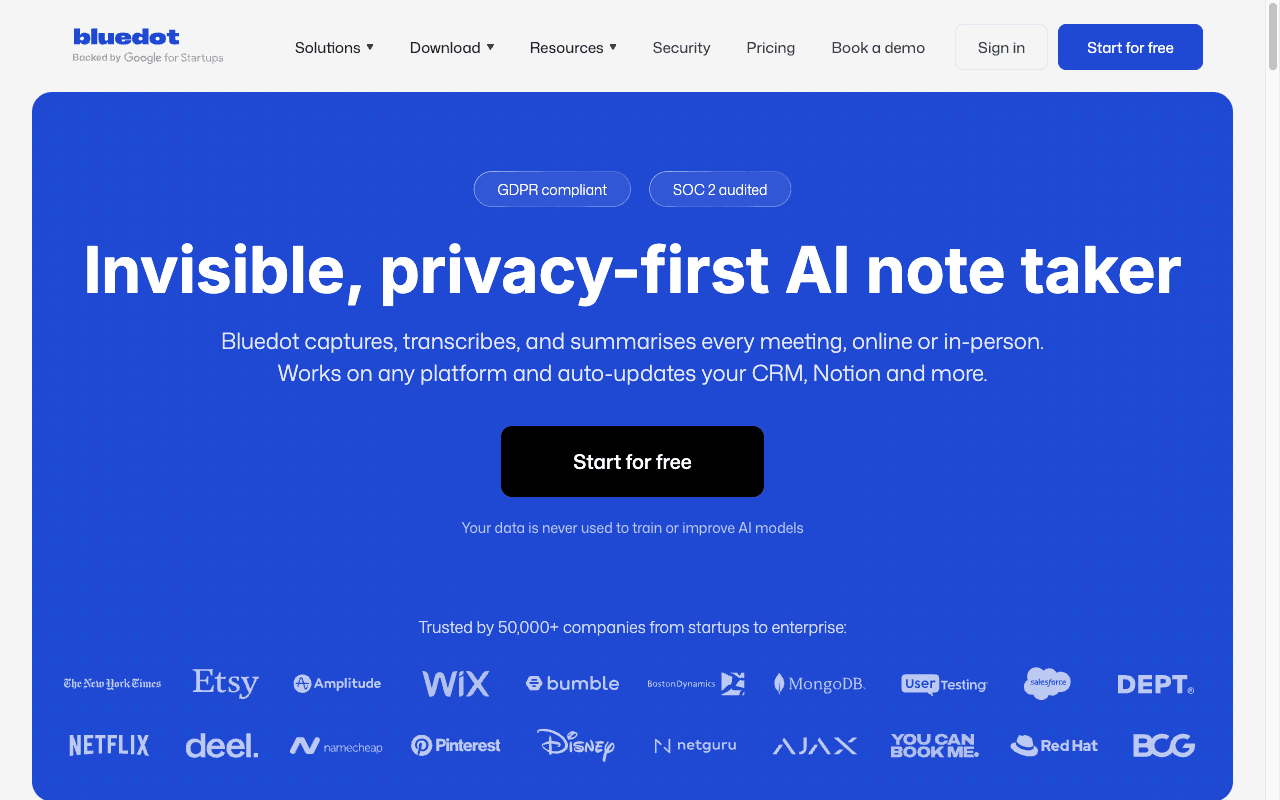
Bluedot ranks #20 of 28 AI meeting assistants we tested in 2026, scoring 3.4 out of 5. Capable bot-free capture with genuinely useful video and clip features and a solid published data posture, let down by branding that makes undetectability the headline rather than disclosure. Pricing starts at $14/mo (annual) with a free tier available. Available on chrome, mac, windows, ios, android.
Rating Breakdown
Strengths
- + Captures Zoom, Google Meet, Teams, phone calls, and in-person conversations without a bot
- + Screen and video recording with clip creation, which most bot-free tools do not offer
- + Only charges for users who actually record, which lowers real cost for mixed teams
- + Publishes a no-training commitment, SOC 2 Type II, AES-256 encryption, and GDPR-compliant controls
- + SSO, SCIM, and custom retention on the Business plan; data removed 3 months after account closure
- + Reasonable $14/month entry price with unlimited audio-only meetings
Weaknesses
- – Leads its brand with 'Invisible', which sets the wrong default for a tool that requires user disclosure
- – Free plan is 5 meetings lifetime — a trial, not a free tier
- – CRM and ATS integrations, SSO, and custom retention are gated to the Business plan
- – Post-meeting only, with no live transcript and no offline capability
- – Headline prices are annual rates; month-to-month costs meaningfully more
Our Verdict
Capable bot-free capture with genuinely useful video and clip features and a solid published data posture, let down by branding that makes undetectability the headline rather than disclosure.
Bluedot is a bot-free AI note taker that captures Zoom, Google Meet, Microsoft Teams, phone calls, and in-person conversations from your own device, through a Chrome extension or its desktop and mobile apps. Technically it is a well-built product. It records screen and video as well as audio, which most bot-free tools do not, and it turns calls into searchable notes, clips, and CRM entries with very little friction.
We have a problem with how it is sold, and it drives the score, so we will put it up front rather than bury it in the privacy section.
The Invisibility Question
Bluedot’s brand line is “Invisible, privacy-first AI note taker,” and the invisibility half of that is what we take issue with. It is worth being precise about the criticism, because it is narrower than it first appears.
Bot-free capture is not the problem. Hedy, Granola, Jamie, Circleback, and Fathom’s desktop mode all record without a bot, and we rate several of them highly. None of them announces itself to the other participants either. On the mechanics, Bluedot is doing what the best tools in this category do.
The issue is what gets foregrounded. When the first word of your positioning is “Invisible,” the implied benefit is that the other side will not know — and that is precisely the thing a user must not rely on. Bluedot does have a consent FAQ and it does not instruct anyone to withhold disclosure, so this is a criticism of emphasis rather than of instruction. But emphasis shapes behaviour, and this is a product whose lawful use depends entirely on the user volunteering something the product is advertised as concealing.
The obligation is real and it lands on the user, not the vendor. All-party consent states including California, Illinois, and Pennsylvania require every participant to agree before recording. Under GDPR, one participant’s consent does not cover the rest of the room. Recording a job interview without telling the candidate is, in several jurisdictions, unlawful.
We score Bluedot a 3 on recording consent and compliance: a point below the bot-free tools that pair silent capture with clear disclosure guidance, and above the tools whose defaults have actually recorded people who never agreed to anything. If Bluedot led with disclosure rather than invisibility, this would be a 4.
Key Features
Setting the positioning aside, the capability set is strong. Bluedot records audio and video, so you get replayable recordings rather than transcripts alone — a real advantage over Granola and Jamie, which keep text only. You can clip key moments for sharing, which is genuinely useful for sales teams passing customer quotes to product, and it tracks engagement across calls.
Notes, summaries, and action items are produced after the meeting, and integrations cover Notion, Slack, HubSpot, Salesforce, Zapier, and Make. There is webhook and MCP access from the Basic plan, and org-wide MCP on Business.
There is no live transcript and no in-meeting assistance, so like most of this category it is a post-meeting product.
Pricing
The free plan is 5 meetings for the lifetime of the account, capped at an hour each. That is a trial, and we score it as one.
Billed annually, Basic is $14 per user per month for unlimited audio-only meetings with a one-hour cap per recording. Pro is $20 and adds video, unlimited recording length, custom note templates, and Zoom and Google Drive imports. Business is $32 and adds CRM and ATS integrations, SSO and SCIM, advanced admin controls, and custom data retention. Month to month the same tiers are $18, $25, and $39, so the advertised entry price assumes a year up front.
One pricing detail deserves credit: Bluedot only charges for users who actually record meetings, not for every member of the workspace. For a team where a handful of people record and everyone else just reads notes, that is a meaningful saving over per-seat competitors.
Privacy & Security
Bluedot’s published data posture is better than its branding suggests, and it is the strongest part of the product. Its security page states plainly that customer data is never used to train or improve AI models, and claims SOC 2 Type II attestation covering security, availability, and confidentiality. Data is encrypted with AES-256 in transit and at rest, GDPR-compliant controls are documented across collection, access, storage, retention, and deletion, and data is removed three months after account closure with backups cleared within 30 days. Admins can configure custom retention on the Business plan.
That combination — an explicit no-training commitment plus third-party attestation plus configurable retention — is what earns Bluedot a 5 on data retention and training transparency, level with Circleback and Jamie. One caveat worth carrying into procurement: we have seen the commitment on the security page rather than in a published DPA, so get it in the contract.
The architectural limit still applies. Recordings are stored in Bluedot’s cloud, so this is a cloud tool with local capture, not an on-device one. Encryption and attestation reduce that exposure without removing it.
Best For
Bluedot suits sales, recruiting, and customer-facing teams that need replayable video and shareable clips, that already have a disciplined recording-disclosure practice, and that can live on the Business plan for CRM sync. The billing model favours teams where only some members record.
It is a weaker fit for organisations that cannot rely on every user to disclose recording voluntarily, since the product’s branding pulls in the opposite direction, and for anyone who needs the no-training commitment inside a signed DPA rather than on a security page.
How Bluedot Compares to Hedy
Bluedot has capabilities Hedy does not. Video recording, clip creation, and ATS integrations are real differentiators for recruiting and sales workflows, and if your job depends on sending a 40-second customer clip to a product manager, Bluedot does that natively and Hedy does not.
The divide is one of emphasis more than architecture on the consent question, and genuinely architectural on the data question. Both capture without a bot and neither announces itself, so both depend on the user disclosing. Where they differ is what happens to the recording: Hedy can process on-device on supported hardware, so the material need not reach a vendor at all, while Bluedot stores recordings in its cloud under a published no-training commitment. Both are defensible positions. In August 2026 a federal court held that plaintiffs had plausibly alleged Otter.ai was a third-party eavesdropper under California law because it independently collects, retains, and uses recordings for its own commercial purposes — a pleading-stage holding, not a finding of liability, but one that rewards architectures which retain less.
On the fundamentals, Hedy leads on privacy architecture, real-time capability, and offline use; Bluedot leads on video, clips, and recruiting integrations. If you need the video features, use Bluedot and build your own disclosure discipline on top of it. Do not let the marketing talk you out of that.