Read.ai ranks #15 of 28 AI meeting assistants we tested in 2026, scoring 3.5 out of 5. A well-funded agentic platform whose digital twin and cross-workspace search now matter more than its original analytics pitch. Pricing starts at $15/mo with a free tier available. Available on Web, Chrome, Mac, Windows, iOS, Android.
Read.ai Key Facts
Checked against vendor documentation October 14, 2026- How it records
- Bot joins Zoom, Meet and Teams by default; botless Google Meet add-on, bot-free Mac/Windows desktop app and mobile mic
- Where AI processing runs
- Cloud: transcription and AI run on Read's servers
- Works offline
- No — needs an internet connection
- Trains on your data
- Not used for training by default (opt-in); a product-evaluation program is on by default with opt-out
- Transcription languages
- 16+ (the plan card says 20+)
- Free plan
- 5 transcripts a month, meetings up to 1 hour
- Paid plans from
- $15/mo billed annually ($19.75 monthly)
- In-person meetings
- Yes — desktop and mobile apps record in-person meetings
- Real-time features
- Live transcript in the Google Meet add-on; no live coaching
- Compliance
- SOC 2 Type II; GDPR; EU-U.S. Data Privacy Framework; HIPAA BAA on Enterprise+; no EU data residency
Compare every tool on these facts in the AI meeting assistant fact sheet, or see the best Read.ai alternatives.
Rating Breakdown
Strengths
- + Ada digital twin handles email, scheduling, and follow-ups
- + Search Copilot answers questions across meetings, email, chat, and docs
- + Free in-product access to GPT and Claude for paid users
- + Works across Zoom, Meet, and Teams with native desktop and mobile apps
Weaknesses
- – Cloud-dependent, no offline capability
- – Audio/video playback moved from Pro to Enterprise
- – Bot joins by default, and consent friction draws criticism (botless options exist)
- – Engagement analytics can feel surveillance-like
Our Verdict
A well-funded agentic platform whose digital twin and cross-workspace search now matter more than its original analytics pitch.
Read.ai started as a meeting analytics tool and has since become something broader. As of 2026, its lead pitch is no longer the engagement dashboard that measures talk-time and sentiment, but Ada, an email-based “digital twin,” paired with a connected Search Copilot that answers questions across your meetings, inbox, chats, and documents. The analytics are still there. They are just no longer the reason most buyers show up.
The platform works across Zoom, Google Meet, and Microsoft Teams, and Zoom now lists it among its Essential Apps with premium features enabled. Capture defaults to a bot that joins calls from your calendar, but there are now bot-free routes: the Mac and Windows desktop apps and the mobile apps capture without a participant joining (including in-person meetings), and in March 2026 Read launched a botless Google Meet integration, free for all users. A backing of roughly $81M in funding, including a $50M Series B in late 2024 at a reported ~$450M valuation, has paid for an aggressive run of product expansion, and it shows in how much the surface area has grown.
That expansion is the story. Read.ai is building a knowledge graph that spans meetings and connected services, then putting an agent and a search engine on top of it. Whether that holds together in daily use depends heavily on how many of your tools you connect, but the ambition is real and it is funded.
Key Features
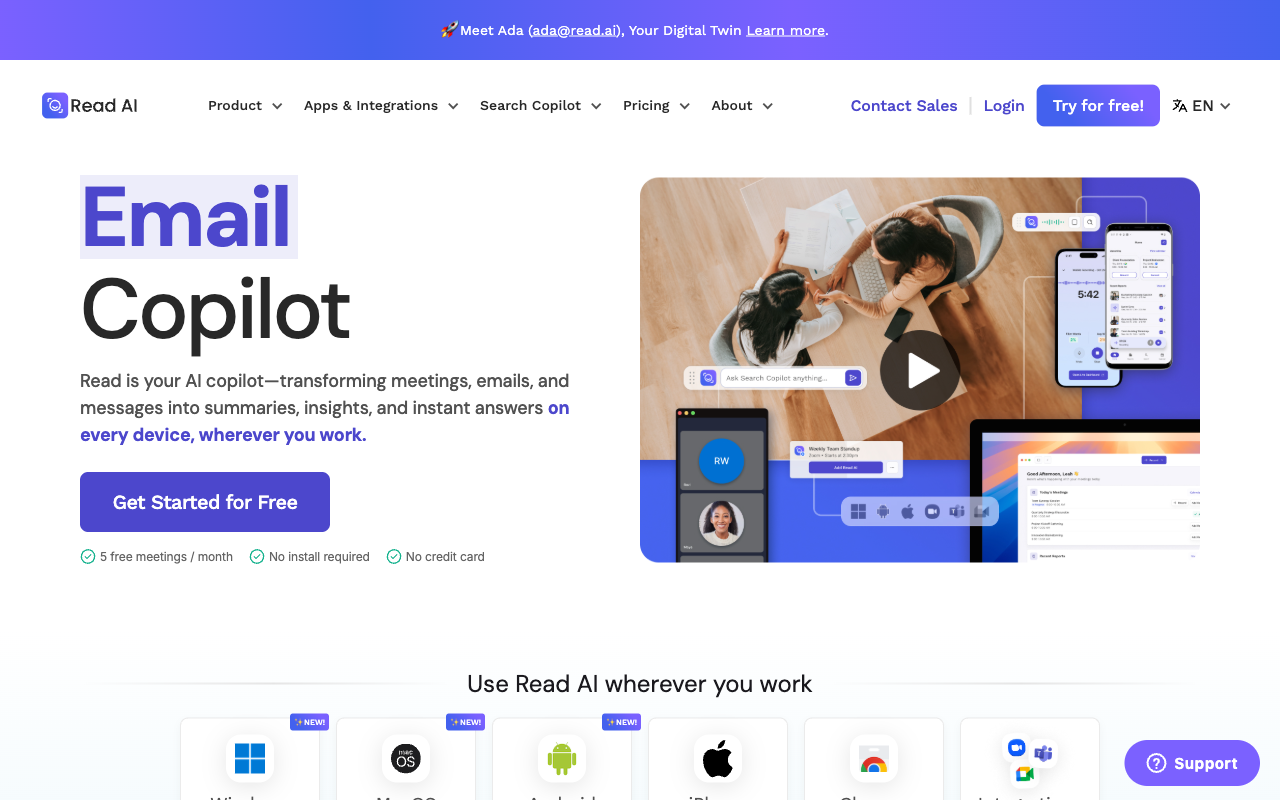
Ada is the centerpiece of the 2026 release. It is an email-based agent that auto-responds to work email, negotiates and schedules meetings in-thread, answers questions using your prior meetings and knowledge base, and handles out-of-office replies, with proactive follow-up actions after meetings. Read says Ada is available to all users, with Slack and Teams support on the roadmap.
The Search Copilot, also called Ask Read, is the other pillar. It unifies meetings, emails, chats, and connected docs from Google Drive, OneDrive, Slack, and Teams into a single natural-language Q&A surface that returns cited answers. Paid customers get direct in-product access to premium models, from OpenAI and Anthropic, at no extra charge on top of their plan. Read has also shipped an agentic workflow suite, recap, catch-up, and scheduling agents, aimed squarely at cutting the number of meetings people sit through. In May 2026 Read added an MCP server and became a Claude connector, so its meeting data can be queried from outside the app.
The original analytics layer remains. Read.ai still scores meetings on engagement and sentiment, shows talk-time balance and engagement heatmaps, tracks your personal meeting habits over time, and pushes summaries and action items to Slack and email. It is now one capability among several rather than the headline.
Pricing
There are four tiers as of mid-2026, and annual billing knocks 25% off the monthly rate.
The Free plan is $0 and caps you at 5 meeting transcripts per month with a 1-hour meeting limit, but includes summaries, transcription, search, the meeting coach, 16+ languages, and the desktop and mobile apps. Pro is $19.75/mo monthly or $15/mo billed annually; it lifts the transcript cap to unlimited and includes 100 upload minutes a month. Meetings can run up to 4 hours on Pro and Enterprise and 8 hours on Enterprise+. One thing to know before you buy: audio and video playback and video highlights are no longer in Pro. They now require Enterprise.
Enterprise is $29.75/mo, or $22.50/mo annually, marked “most popular,” and it adds video playback and highlights along with 200 upload minutes. A newer Enterprise+ tier sits at $39.75/mo, or $29.75/mo annually, adding HIPAA compliance, SAML and SCIM, domain capture, custom data retention, and 300 upload minutes. Independent reviews repeatedly flag the Pro-to-Enterprise jump for video playback as a sore point, since a feature buyers expect at the mid tier sits behind the next one up.
Privacy & Security
Read.ai processes meeting data in the cloud, with SOC 2 Type II, GDPR and EU-U.S. Data Privacy Framework coverage, and HIPAA (with a BAA) available on Enterprise+. We found no EU data-residency option. Read says customer data is not used for model training unless you opt in, though a Customer Experience Improvement Program that uses data for evaluation is on by default and has to be switched off; HIPAA workspaces never share data. Two privacy considerations sit alongside the technical posture. First, the analytics features by design collect behavioral data about participants, engagement, talk time, sentiment, which some team members find uncomfortable when it is visible to management. Second, independent reviews continue to flag consent friction: a bot that joins visibly by default without all-participant consent, organizations that block it for that reason, and a notably low Trustpilot rating in independent write-ups. The new agent and search layers also widen the data Read touches, since Ada and the Search Copilot reach into email, chat, and connected documents. Organizations should weigh the cultural and consent implications, not just the certifications, before rolling it out.
One further consideration applies specifically to European deployments. Article 5(1)(f) of the EU AI Act prohibits AI systems that infer the emotions of a person in the workplace from biometric data. The prohibition has applied since 2 February 2025, and administrative fines under Article 99 have been available since 2 August 2025, reaching the higher of €35 million or 7% of worldwide annual turnover for prohibited practices. (2 August 2026 brought general applicability of the Act’s remaining obligations, not the start of the penalty regime.) The scope is narrower than the headlines suggest: the Commission’s guidelines place emotion inferred from written text outside the prohibition, which is where most transcript-based sentiment scoring sits. Inference drawn from vocal characteristics — tone, prosody, pitch — is much closer to the line, because voice is a behavioural characteristic. Read.ai has not published which method its engagement and sentiment scoring uses. If you are deploying it to employees in the EU, that is the question to put to the vendor in writing, along with whether the scoring can be disabled per workspace. Note also that consent does not cure an Article 5 prohibition the way it can provide a lawful basis under GDPR.
Best For
Read.ai fits teams that want to consolidate meetings, email, and chat into one searchable, agent-assisted layer, and that are willing to connect multiple tools to get there. Managers and organizational-development folks still get the engagement analytics, and anyone drowning in scheduling and follow-up email is the clearest audience for Ada. It is a weaker fit for individual contributors who just want clean notes, for privacy-sensitive teams uneasy about a default bot and behavioral scoring, and for anyone who needs offline capture.
How Read.ai Compares to Hedy
The comparison has moved since Read.ai’s analytics-first days. With Ada scheduling meetings, drafting email, and setting up follow-ups, plus recap and catch-up agents, Read.ai is no longer purely retrospective. It now takes proactive actions, so the old framing of it as scored-after-the-fact only is out of date. Credit where it is due.
What stays true is the architecture. Read.ai sends everything to the cloud and joins with a bot by default (its desktop, mobile and botless Meet options avoid the bot, but not the cloud); Hedy runs end-to-end on-device, with transcription, summaries, and real-time coaching all happening locally and no bot joining the call. That on-device design is what lets Hedy work fully offline and keep meeting audio off third-party servers, neither of which Read.ai can match. And while Ada acts proactively between and after meetings, its work is cloud-based and asynchronous; Hedy’s edge is coaching you live, in the moment, during the conversation itself. If your priority is an agent that manages your inbox and schedule across a connected workspace, Read.ai is the stronger pick. If it is privacy, offline reliability, and real-time help while you are actually talking, Hedy is built for that.