MeetGeek ranks #17 of 28 AI meeting assistants we tested in 2026, scoring 3.5 out of 5. A capable, affordable meeting recorder that has pushed into agentic AI, well suited for small and growing teams that work inside the major video platforms. Pricing starts at $9.99/mo with a free tier available. Available on Web, Chrome, Mac, Windows, iOS, Android.
MeetGeek Key Facts
Checked against vendor documentation October 14, 2026- How it records
- Bot joins Zoom, Meet and Teams; bot-free Mac and Windows desktop app and Chrome tab capture; mobile app; upload
- Where AI processing runs
- Cloud
- Works offline
- No — needs an internet connection
- Trains on your data
- No — states it never uses recordings, transcripts or summaries to train AI models
- Transcription languages
- 100+ with automatic language detection
- Free plan
- 3 hours a month, 2-hour per-meeting cap, 3 months of transcripts, 1 month of audio
- Paid plans from
- $9.99/mo billed annually ($15.99 monthly)
- In-person meetings
- Yes — desktop app and mobile app
- Real-time features
- AI Voice Agents in Copilot Mode can brief you and answer questions live on calls
- Compliance
- SOC 2 Type II; HIPAA BAA available; GDPR; CCPA; choice of EU or US data storage
Compare every tool on these facts in the AI meeting assistant fact sheet, or see the best MeetGeek alternatives.
Rating Breakdown
Strengths
- + Easy auto-recording setup
- + Good meeting insights dashboard
- + KPI tracking
- + Affordable annual pricing
- + AI Voice Agents that join and respond in real time
- + Bot-free desktop app for Mac and Windows, available on the Free plan
Weaknesses
- – Cloud-only processing
- – Bot is the default for calendar auto-join
- – Pro transcription capped at 20 hours/month
Our Verdict
A capable, affordable meeting recorder that has pushed into agentic AI, well suited for small and growing teams that work inside the major video platforms.
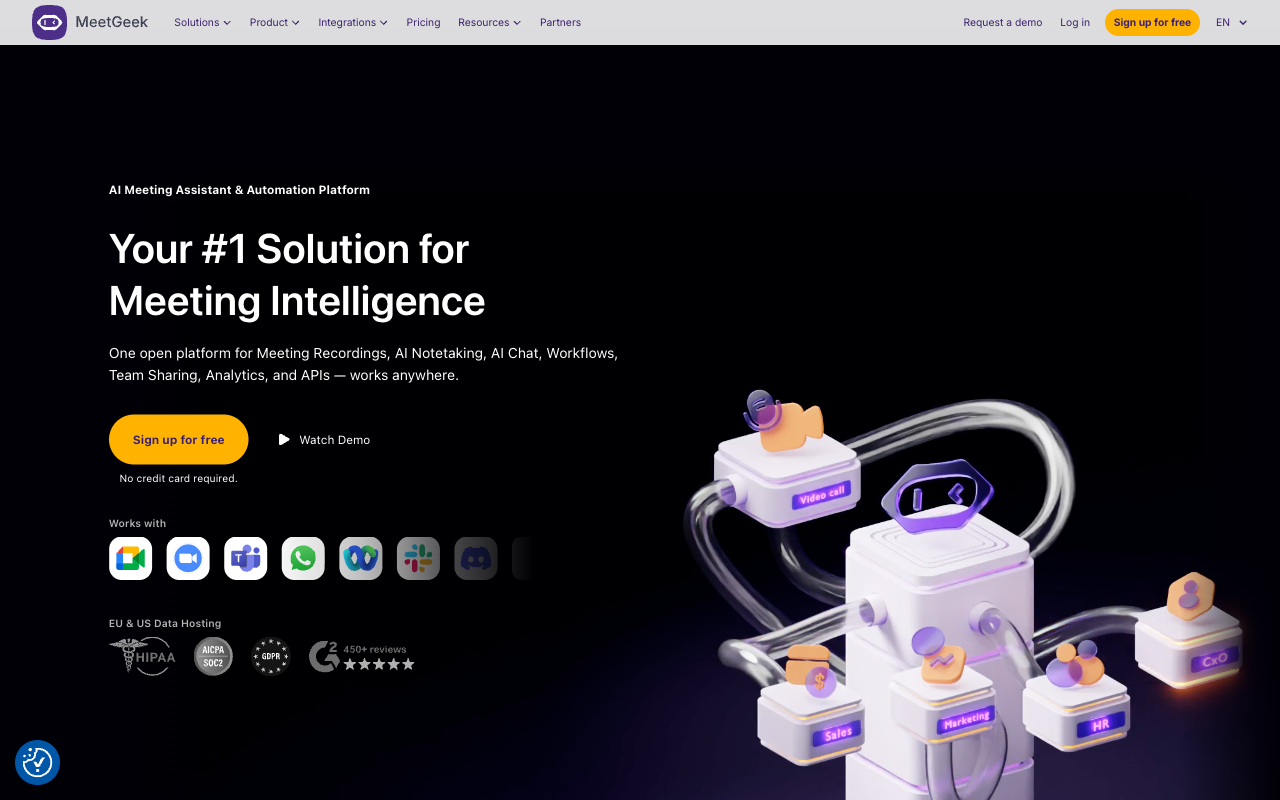
MeetGeek focuses on making meeting recording and summarization as automatic as possible. Once set up, it joins your scheduled meetings without any manual intervention, records the conversation, and delivers AI summaries to your inbox or connected tools. The “set it and forget it” approach has long been MeetGeek’s primary appeal: you do not need to remember to start recording or tag moments. Everything is captured and processed automatically.
That positioning has shifted, though. After a EUR 1.6M raise in September 2025 (led by Early Game Ventures, bringing total funding to roughly $2.56M), the Bucharest-based company repositioned around agentic AI — software that participates in conversations and automates the follow-up, rather than just transcribing it afterward. MeetGeek said at the time that it had tripled revenue to more than $2M ARR; its homepage now claims 50,000+ teams across 100+ countries.
The default capture method is still a bot that joins Zoom, Google Meet, and Microsoft Teams meetings based on your calendar. Since September 2026, though, Desktop App 2.0 for Mac and Windows records calls without a bot and also captures in-person conversations, and it is available from the Free plan. The Chrome extension offers bot-free tab recording as well. After each meeting, MeetGeek generates a summary with key topics, action items, and highlights. The meeting insights dashboard aggregates data across meetings, showing trends in frequency, duration, and topic distribution. For managers tracking how teams spend their time, those analytics provide useful visibility.
MeetGeek has also invested in KPI tracking that lets teams define metrics and follow them across meetings. A sales team might track how often competitors are mentioned; a product team might monitor how frequently specific feature requests come up. This quantitative approach to meeting intelligence adds value for teams that want to surface trends from their collective conversations.
Key Features
MeetGeek’s automatic meeting joining works through calendar integration and requires no manual activation. The AI generates summaries with key topics, decisions, and action items after each meeting. A meeting insights dashboard aggregates data across all recorded meetings, and KPI tracking lets teams define and monitor custom metrics across conversations. Notes can be shared automatically to Slack, email, or connected tools, and a searchable meeting library organizes recordings with transcripts.
The bigger change is the move beyond passive recording. In August 2025 MeetGeek launched AI Voice Agents, no longer labeled beta: custom agents that join Zoom, Meet, and Teams meetings to listen, speak, and follow instructions. They run in Copilot Mode, where the agent captures information and answers questions in real time during a call, and as autonomous agents that can take inbound calls. The agents can run multiple meetings simultaneously, with use cases like screening interviews, sales discovery, and support triage.
Alongside that, MeetGeek upgraded its AI Chat with Meetings to what it markets as a GPT-5-class engine, improving natural-language Q&A over past meetings with better context and faster, more accurate insight extraction. That chat is available in the mobile app too, so you can query any past meeting on the go. For developers, MeetGeek now exposes a full REST/Public API (Pro and above) and an MCP server, opening the door to custom integrations and agentic workflows. In July 2026 it added Meeting Skills in AI Studio (26+ prebuilt agents triggered by meeting events), a rebuilt Slack agent, and OneDrive, Dropbox, and Confluence integrations; September brought roughly 70% faster transcription, OneNote and Gmail-draft integrations, and SSO enforcement. MeetGeek has also announced Wave, a hardware recorder, as coming soon.
Pricing
MeetGeek’s free Basic plan includes 3 hours of transcription per month, basic AI summaries, three months of transcript storage, one month of audio storage, and a 2-hour per-meeting recording cap. The Pro plan is the entry paid tier at $9.99 per user/month on annual billing (or $15.99 on monthly), and it covers up to 20 hours of transcription per month (extra hours at $0.50/hr), a year of transcript storage, six months of audio, full AI summaries, integrations, and Public API plus MCP access. Note that Pro is not unlimited — the heavy transcription cap is one of its sharper edges.
The Business plan runs $17 per user/month annual (around $27-28 monthly) and unlocks unlimited transcription, HD video, team spaces and analytics, 12 months of video storage, and broader API access. Enterprise pricing is custom, with dedicated support and additional controls. On annual billing the headline $9.99 entry point makes MeetGeek one of the more affordable options among cloud meeting assistants, though the per-user model adds up across a team.
Privacy & Security
MeetGeek processes all meeting recordings through its cloud infrastructure. Its paperwork is solid: SOC 2 Type II audited annually, GDPR and CCPA compliance, a HIPAA BAA on request, and a choice of EU or US data storage. MeetGeek also states that it never uses recordings, transcripts, or summaries to train AI models. Recordings and transcripts are still stored on external servers. With the bot, all participants know a recorder is present; with the bot-free desktop app they may not, so consent becomes your responsibility. The Voice Agents are visible meeting participants rather than silent listeners. For teams with moderate sensitivity requirements, MeetGeek’s security is adequate. For organizations handling confidential discussions, the cloud storage of every recording — and the prospect of an agent actively speaking on calls — should be weighed against data governance policies.
Best For
MeetGeek is a good fit for small to growing teams that want automated meeting recording with solid analytics at a reasonable price, particularly on annual billing. The “set and forget” approach suits busy professionals who do not want to manage a recording tool, and the KPI tracking helps teams pull quantitative insights from their meetings. The Voice Agents extend its reach toward teams that want AI to actively participate in screening calls or discovery. MeetGeek is less appropriate for users who need on-device processing, work largely outside the major video platforms, or expect uncapped transcription without stepping up to the Business tier.
How MeetGeek Compares to Hedy
MeetGeek and Hedy now overlap more than they used to. Both deliver AI summaries and action items, both have moved into real-time territory — MeetGeek through Voice Agents in Copilot Mode that can answer questions live on a call, Hedy through real-time coaching as you speak. The honest comparison is no longer “post-meeting versus real-time.” It is architectural.
MeetGeek sends all audio to the cloud for processing. It now matches Hedy on bot-free capture with its Mac and Windows desktop app, and both cover desktop and mobile. The gap is where the AI runs: on supported hardware, Hedy can run transcription, summaries, and coaching on-device, so it keeps working without internet. MeetGeek has no offline capability. MeetGeek’s KPI tracking and meeting analytics are genuinely useful for teams measuring trends across conversations, and its API plus MCP server make it easy to wire into other systems.
The durable difference is privacy and capture method. MeetGeek’s value comes from automation and the new agentic layer, but everything still flows through its cloud, and its auto-join default is a bot that other participants see. For teams that work inside Zoom, Meet, and Teams and want a recorder that increasingly acts on their behalf, MeetGeek is a strong, affordable pick. For users who need AI that can process conversations on their own device, Hedy remains the better architectural fit.