Letterly ranks #20 of 28 AI meeting assistants we tested in 2026, scoring 3.4 out of 5. A polished voice-to-text app that now reaches into the AI-assistant ecosystem via MCP, but still lacks the meeting-specific intelligence that dedicated meeting assistants provide. Pricing starts at $19.99/mo with a free tier available. Available on iOS, Android, Mac, Windows, Web, Apple Watch.
Letterly Key Facts
Checked against vendor documentation October 14, 2026- How it records
- Phone, computer or Apple Watch mic; dictation; Windows app records meeting audio (since Oct 2026); audio upload; no bot
- Where AI processing runs
- Cloud
- Works offline
- No — records without a connection; transcription and AI need the internet
- Trains on your data
- No — states your words are never used to train AI
- Transcription languages
- 90+
- Free plan
- Free to start; limits not published
- Paid plans from
- $19.99/mo Pro in the App Store; cheaper yearly plans
- In-person meetings
- Yes — up to 90 minutes per recording
- Real-time features
- Live dictation only
- Compliance
- None published
Compare every tool on these facts in the AI meeting assistant fact sheet, or see the best Letterly alternatives.
Rating Breakdown
Strengths
- + Exceptionally easy to use with one-tap recording
- + 90+ language support with auto-detection
- + 25+ rewrite formats for polished output
- + MCP server connects voice notes to Claude, ChatGPT, Cursor, and other AI assistants
- + Offline recording capability
- + Cross-device sync across mobile, Mac, Windows, and web
Weaknesses
- – Not purpose-built for meetings
- – Speaker separation only labels Speaker 1, Speaker 2 — no named-participant identification
- – AI rewriting requires cloud processing
- – No real-time meeting coaching or action item extraction
Our Verdict
A polished voice-to-text app that now reaches into the AI-assistant ecosystem via MCP, but still lacks the meeting-specific intelligence that dedicated meeting assistants provide.
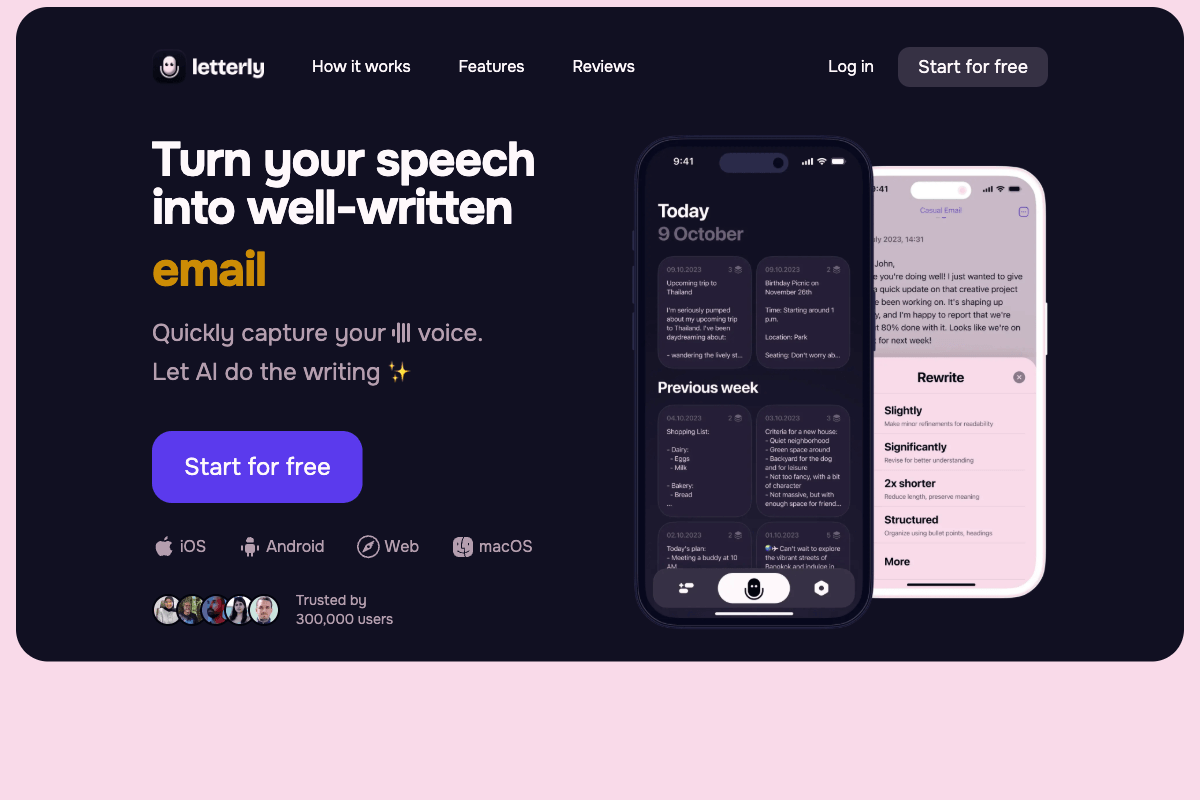
Letterly is a voice-to-text app that takes a different angle from traditional meeting assistants. Rather than focusing on meeting intelligence, it is built to turn spoken thoughts into polished written content. You speak, and the app delivers a well-structured email, note, social media post, journal entry, or to-do list. It started as a dictation tool reimagined for the AI era, and as of 2026 you can also type a prompt directly — ChatGPT-style — through its text-to-content feature, so voice is no longer the only way in. It does that core job impressively well.
The app has attracted over 300,000 users with a simple premise: tap record, talk, and get polished text back. The 25+ rewrite formats mean you can speak a stream of consciousness and receive a properly formatted email, a concise X post, a structured to-do list, or any number of other outputs. You can even create custom rewrite templates for formats the app doesn’t cover out of the box. For people who think faster than they type, or who want to capture ideas on the go, Letterly is genuinely useful.
Its 2026 direction is worth noting. By September, Letterly had shipped an MCP server that plugs voice notes directly into AI assistants — Claude (desktop and claude.ai), ChatGPT, Cursor, Perplexity, Gemini, Codex, and other MCP clients. From inside those tools you can search, rewrite, translate, or create notes, and spin a meeting note into a ticket, an email, or a summary. That repositions Letterly less as a standalone dictation app and more as a voice layer for whatever AI assistant you already live in.
Where Letterly still falls short is the meeting-specific machinery that defines a true meeting assistant. A Multi-speaker mode added in May 2025 will separate a transcript into Speaker 1, Speaker 2, and so on, toggled on during recording — useful, but it stops at generic labels rather than identifying named participants. There is no structured meeting summary with decisions and action items, no real-time coaching, and no cross-meeting knowledge graph. Letterly treats audio as raw material to be transcribed and reshaped into a chosen format. That’s a strength for general voice capture and a limitation for meeting workflows.
Key Features
Letterly supports 90+ languages with automatic language detection, removing the friction of manual language selection. The app offers offline recording, so you can capture audio anywhere, though the AI rewriting step requires an internet connection. Background and screen-off recording let you capture without keeping the app in the foreground, a home screen widget enables one-tap recording for quick capture, and you can record from an Apple Watch. In October 2026 Letterly added Voice Rewrite to its iPhone keyboard and iOS 26 Shortcuts support. Multi-speaker mode separates a recording into Speaker 1, Speaker 2, and so on when you turn it on. The 25+ rewrite options cover common formats like emails, messages, notes, posts, and to-do lists, and custom rewrite templates let you define your own. Text-to-content lets you skip the microphone entirely and type a prompt when that’s faster. Tags help organize notes, and cross-device sync keeps everything accessible across iPhone, Android, Mac, Windows, and web. On the automation side, a Zapier integration and custom webhooks route transcripts into tools like Google Docs and Notion, and the new MCP server connects the same notes to Claude, ChatGPT, Cursor, and other AI assistants. Recordings can run up to 90 minutes, and audio upload transcribes recordings made outside the app. The Windows app launched in August 2026 with dictation, and since October 2026 it can record meetings from your computer’s audio with speakers separated.
Pricing
Letterly is free to start, though it does not publish what the free tier includes. In the US App Store, Pro costs $19.99 per month, with yearly plans listed between $69.99 and $99.99 and lifetime access between $199.99 and $249.99. Prices vary by store and region, so check the in-app price before committing. Every paid plan includes unlimited recordings of up to 90 minutes each, the full set of rewrite options, 90+ language support, and cross-device sync. The pricing is reasonable for a dedicated voice-to-text tool, though it adds up for anyone who only needs occasional transcription.
Privacy & Security
Letterly’s privacy posture is mixed. The app supports offline recording, so your audio can be captured without an internet connection. The AI rewriting and polishing step, however, runs through cloud servers, which means your spoken content is transmitted off-device for the AI transformation. The new MCP server adds another consideration: routing notes into external AI assistants moves that content through those tools as well. Letterly’s homepage now states that your notes are “never used to train AI” and that the app is private by default, but it publishes no compliance certifications, and the specifics of data retention and processing location are not prominent. Its App Store privacy label also lists identifiers under “Data Used to Track You.” For casual voice notes and general dictation, this is likely acceptable. For sensitive meeting content, cloud processing and the thin documentation are drawbacks compared with on-device alternatives.
Best For
Letterly is ideal for individuals who want a fast, easy way to turn spoken thoughts into polished written content. It suits professionals who dictate emails, messages, and notes throughout the day, and it fits especially well for anyone who already works inside Claude, ChatGPT, or Cursor and wants a voice front-end feeding those tools through MCP. Content creators who draft social posts, blog outlines, or journal entries by voice will get mileage from the rewrite formats, and multilingual users benefit from the 90+ language support. It is not the right pick for teams that need dedicated meeting intelligence — structured summaries, named action-item tracking, or cross-meeting insights. It remains a voice-to-text productivity tool, not a meeting assistant.
How Letterly Compares to Hedy
Letterly and Hedy serve overlapping but fundamentally different use cases. Letterly excels at turning voice into polished written content across many formats, and with its MCP server it now pipes that content into the AI assistant of your choice. Hedy excels at turning meetings into actionable intelligence.
Letterly’s strength is simplicity and reach: speak or type, get a formatted email, note, or post, then push it into Claude or ChatGPT. Hedy’s strength is depth — structured meeting summaries, speaker-attributed action items, real-time coaching, decision tracking, and a cross-meeting knowledge graph that connects insights across all your conversations. Letterly’s Multi-speaker mode separates speakers by generic label; Hedy ties takeaways to the people and topics in the room.
Privacy is where the two diverge most. On supported hardware, Hedy can run transcription, summaries, and real-time coaching on-device, so meeting content does not have to leave your machine, and there is no meeting bot joining the call. Letterly records offline but sends transcripts to cloud servers for the AI step, and its MCP integration relays notes into third-party assistants. Neither tool relies on a bot to capture audio, but only Hedy keeps the AI itself local.
Platform support is close: both run on iOS, Android, Mac, Windows, and web, and Letterly adds Apple Watch. Both offer offline recording, and Hedy additionally transcribes offline through its on-device models.
For meeting-specific workflows, Hedy is the clear choice. It understands meetings as structured events with participants, topics, decisions, and action items. Letterly treats audio as voice input to be transcribed and reformatted, however polished the result. If you want a quick dictation tool that drops into your AI assistant, Letterly is excellent. If you want a meeting assistant that makes the meeting itself more productive and your follow-ups more reliable, with AI that can stay on your device, Hedy delivers what Letterly does not.