Jamie ranks #10 of 28 AI meeting assistants we tested in 2026, scoring 3.7 out of 5. A privacy-minded, bot-free notetaker with genuine EU data residency and clean compliance credentials, held back by an entirely post-meeting design with no live transcription. Pricing starts at $24/mo with a free tier available. Available on Mac, Windows, iOS, Android.
Jamie Key Facts
Checked against vendor documentation October 14, 2026- How it records
- Bot-free desktop app records device audio; iOS and Android apps record in person with the phone mic
- Where AI processing runs
- Cloud, in the EU (Germany); audio is deleted after transcription
- Works offline
- No — needs an internet connection
- Trains on your data
- No — states customer data is never used to train its or any provider's models
- Transcription languages
- 99+
- Free plan
- 10 notes a month, up to 30 minutes each
- Paid plans from
- $24/mo for Plus (20 notes a month, 2 hours each)
- In-person meetings
- Yes — iOS and Android apps
- Real-time features
- None — notes after the meeting
- Compliance
- ISO 27001, GDPR, DORA, EU hosting; SOC 2 Type II pending; no HIPAA BAA
Compare every tool on these facts in the AI meeting assistant fact sheet, or see the best Jamie alternatives.
Rating Breakdown
Strengths
- + Bot-free capture with no bot joining the call and no disclosure to other participants
- + Genuine EU data residency: storage and processing stay in Germany, backed by ISO 27001, GDPR, and DORA compliance
- + Permanent deletion of meeting audio after transcription, plus an explicit no-training commitment
- + Real free tier (10 meetings/month) and transcription across 99-100+ languages
- + Structured notes with action items, assignees, and checkboxes, plus cross-meeting Ask Jamie chat
Weaknesses
- – Post-meeting only: no live transcription and no in-meeting assistance of any kind
- – No offline capability, since transcription and summarization run in Jamie's EU cloud
- – SOC 2 Type II is still listed as pending and HIPAA is not offered, which can block regulated US procurement
- – Per-note and per-meeting length caps on lower tiers push heavier users to Pro at $46/month
Our Verdict
A privacy-minded, bot-free notetaker with genuine EU data residency and clean compliance credentials, held back by an entirely post-meeting design with no live transcription.
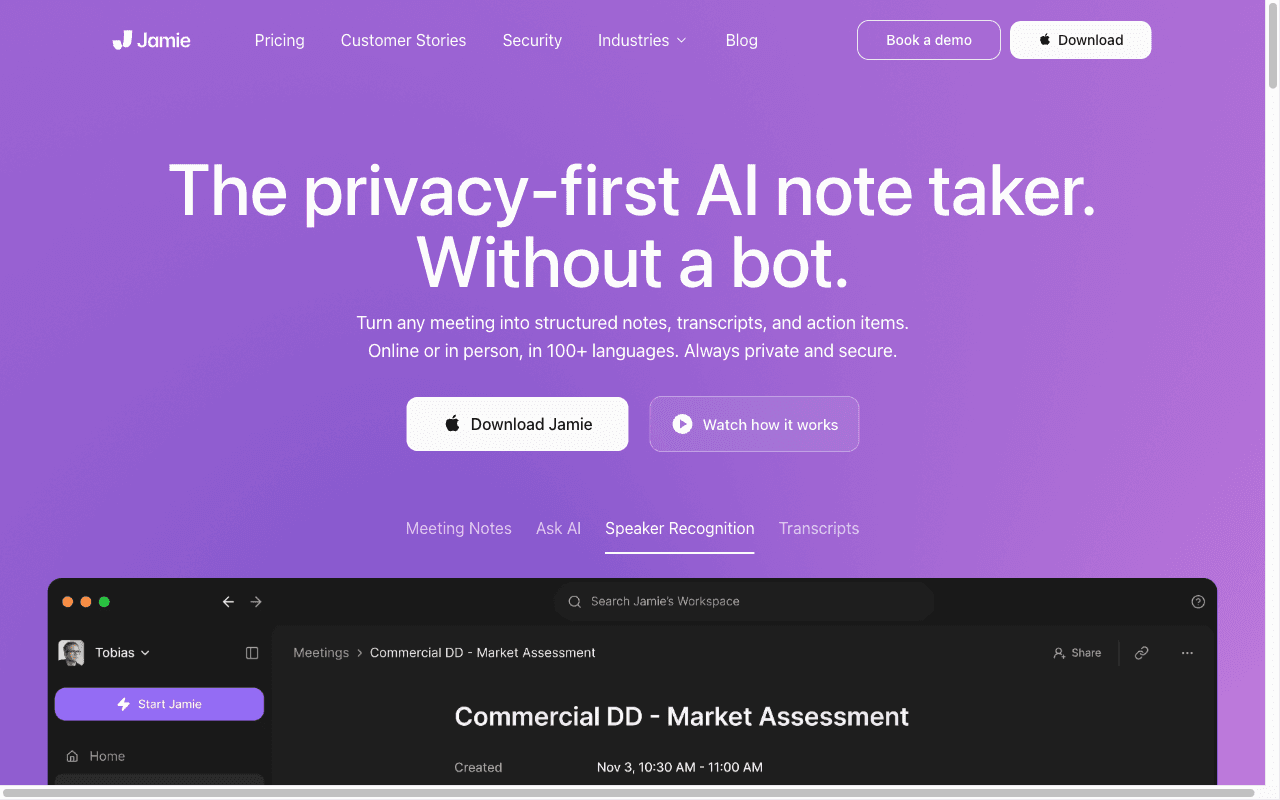
Jamie is a bot-free AI notetaker built for teams that want their meeting data to stay in the EU. It comes from a small, bootstrapped company in Berlin, founded in 2022 and run by around 22 people, and the whole product is shaped by a European, privacy-first worldview. Jamie captures audio directly from your device, so nothing joins your call as a bot and no one in the room gets a “recording” notification. The rest happens in its own EU cloud.
That last part matters, and it is easy to get wrong. The audio capture is on-device, but transcription and AI summarization run on Jamie’s servers in Germany. So this is not a fully on-device tool. It is a cloud tool with a strong residency story, which is why we treat it as cloud and rate its offline capability at the floor. If you were hoping for something that works on a plane or inside a secure facility with no connection, Jamie is not that.
The other thing to know up front is timing. Jamie does everything after the meeting ends. There is no live transcription and no in-meeting help of any kind. You stop the recording, wait a minute or a few, and your notes appear. For a lot of buyers that is completely fine. For anyone who wants to be coached while they are still in the conversation, it is a hard limit.
Key Features
Jamie’s desktop app captures audio from your computer, and its iOS and Android apps record in-person meetings with the phone’s microphone. Since August 2026 it can start recording automatically with a countdown and stop itself when the room goes quiet.
Its core output is a structured set of notes: a summary, action items with assignees and checkboxes, decisions, and topic categorization. These land roughly one to five minutes after you stop recording, not during the call. The notes are clean and well organized, and the action-item handling with assignees is more thought-through than the loose bullet lists some competitors hand you.
On top of the notes sit two query tools. “Ask Jamie” is a chat that works across your meetings, so you can ask what was decided last week or pull a thread across several calls. There is also an Executive Assistant sidebar you open with a hotkey (Cmd or Ctrl + J). Both of these operate on meetings that have already been processed. Neither one listens to live audio. Transcription and summaries cover a wide range of languages, with 99 to 100-plus supported, which makes Jamie a real option for multilingual teams.
In September 2026 Jamie added Agentic Workflows on Team and Enterprise, rolling out gradually: after a meeting it can file notes to your CRM, create tasks, and post summaries. Pro already connects to Salesforce, HubSpot, Attio, Pipedrive, and Asana, and adds API, webhook, and MCP access.
Pricing
Jamie’s pricing page now shows prices in USD. There is a genuine free tier at $0 that gives you 10 notes a month with a 30-minute cap per meeting, which is enough to actually evaluate the tool rather than a teaser. Plus is $24 per month for 20 notes with a 2-hour cap. Pro is $46 per month billed annually for unlimited notes with a 5-hour cap, and it adds the CRM integrations, API, webhooks, and MCP. Team runs $37 per seat per month billed annually, and Enterprise is custom, adding role-based permissions and a customised consent notification. Annual billing saves about 17%.
One honest note on value. The note and length caps on the lower tiers mean heavier users get pushed toward Pro fairly quickly, and $46 is high for an individual plan. The free tier is a real plus; the laddered caps are the catch.
Privacy & Security
This is Jamie’s strongest area, and it earns the rating honestly. Jamie processes and stores customer meeting data in the EU and states that data does not leave the EEA, Switzerland, and the UK; its data-processing terms do allow limited subprocessor exceptions under standard safeguards. The company is ISO 27001 certified through an independent audit and is both GDPR- and DORA-compliant, which matters for regulated European finance buyers. Data is encrypted with AES-256 at rest and TLS 1.2 in transit.
Two commitments stand out. Meeting audio is permanently deleted after transcription, and retention beyond that is user-configurable. And there is an explicit no-training stance: your data is never used to train Jamie’s models or any provider’s models. The Enterprise tier adds DPAs, SAML SSO, EU data-residency guarantees, and admin controls. One clarification, because it gets assumed: Jamie lists SOC 2 Type II as pending, not completed, and it does not claim HIPAA. If your procurement checklist requires either of those, confirm status directly before you commit.
Best For
Jamie is a good fit for European teams that care most about where their data lives. If GDPR and EU residency drive your buying decision, and you want bot-free capture without the disclosure awkwardness of a bot in the room, Jamie is built for exactly that. Regulated firms that need DORA and ISO 27001 will find a tool that speaks their language. Multilingual teams benefit from the wide language coverage.
Who should look elsewhere? Anyone who needs help during the meeting, because Jamie only works after the fact. Teams that need a tool to keep working offline. And buyers whose compliance process specifically demands a completed SOC 2 report or HIPAA, neither of which Jamie has today.
How Jamie Compares to Hedy
Jamie and Hedy start from the same good instinct. Both are bot-free, capturing audio without dropping a bot into your call, and both commit to never training on your data. On consent and that no-training stance, they genuinely tie. Jamie’s distinct strength is data residency. Everything stays in the EU, in German data centers, with ISO 27001 and DORA behind it, and for a GDPR-first European buyer that is a clean, specific reason to choose it.
The durable gaps fall in two places. First, architecture. Jamie sends your audio to its EU cloud for transcription and summarization, so it depends on a connection and does not work offline, and its SOC 2 is still pending with no HIPAA. Hedy runs transcription, summaries, and analysis on-device, which means it keeps working with no internet, the audio never leaves your machine, and it carries SOC 2 and HIPAA with BAAs plus a choice of EU or US data residency. Second, timing. Jamie is purely post-meeting; your notes show up one to five minutes after you stop recording, and “Ask Jamie” only works on calls that are already processed. Hedy coaches you live, while the conversation is still happening. So the choice is fairly clean. Jamie is the better pick when EU data residency is the deciding factor and post-meeting notes are all you need. Hedy fits better when on-device privacy, offline reliability, and live in-meeting coaching are the priorities.