Granola ranks #18 of 28 AI meeting assistants we tested in 2026, scoring 3.4 out of 5. A beautifully built, bot-free notepad that has grown into an enterprise AI context platform. Capture is silent, training is on by default, and a July 2026 class action now tests whether that combination is a wiretap. Pricing starts at $14/mo with a free tier available. Available on mac, windows, ios, android.
Rating Breakdown
Strengths
- + Beautiful native design
- + No bot required
- + Blends your notes with AI
- + AI chat across past meetings, even on free
Weaknesses
- – No browser-based web app
- – No true offline mode
- – Free tier capped at 25 lifetime notes
- – Trains on de-identified meeting data by default unless you opt out
- – Proposed class action (Chamberlain v. Granola, N.D. Cal., filed 30 July 2026) targets silent capture and default training; the case is at the pleading stage
Our Verdict
A beautifully built, bot-free notepad that has grown into an enterprise AI context platform. Capture is silent, training is on by default, and a July 2026 class action now tests whether that combination is a wiretap.
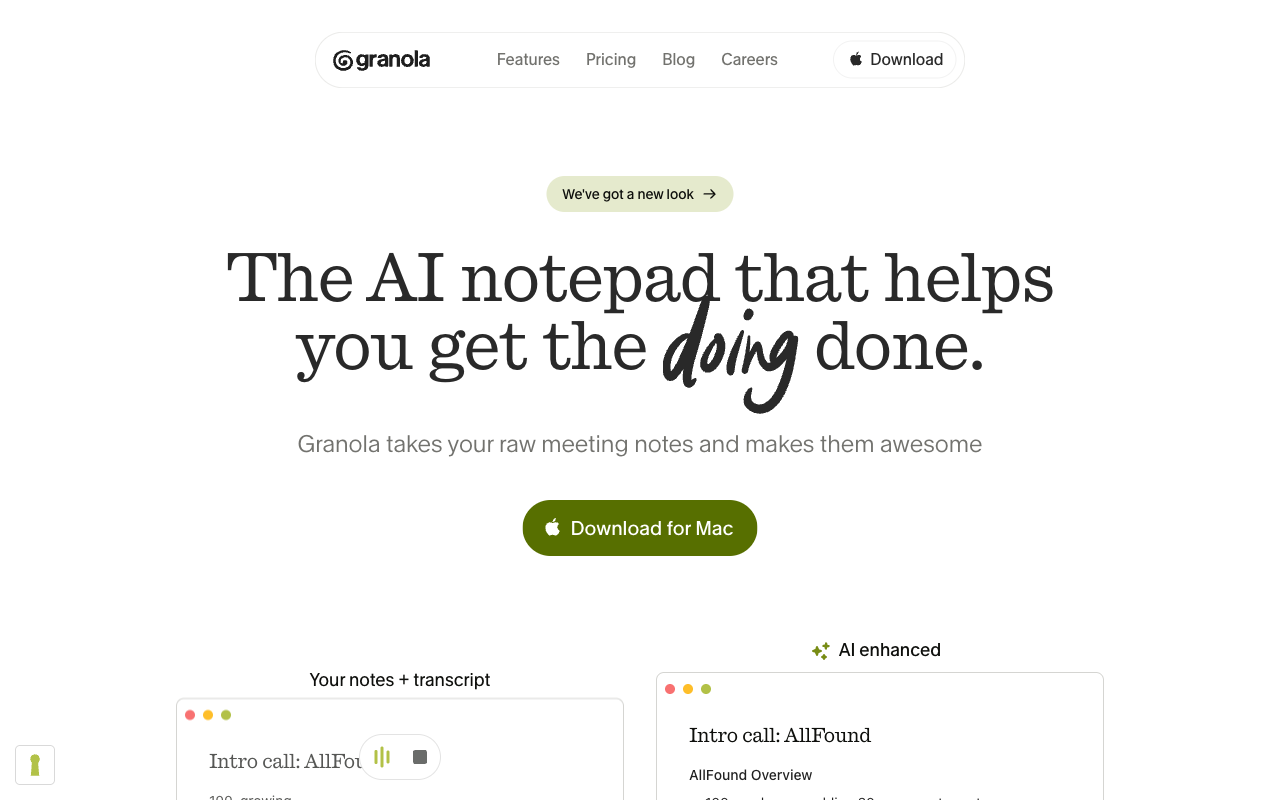
Granola takes a refreshing approach to AI meeting notes. Rather than trying to replace your note-taking entirely, it augments it. You take notes during meetings as you normally would (jotting down key points, rough thoughts, half-formed ideas) and Granola uses the meeting transcript to expand and enrich those notes with AI. The result feels more personal and useful than a fully automated summary because it is anchored in what you found important, not just what the AI deemed relevant.
The app is beautifully designed, with a clean, distraction-free interface that stays out of your way during meetings. Originally Mac-only, Granola now also runs on Windows, iOS, and Android. It captures audio at the system level, which means no bot joins your call, an approach shared with Hedy and a meaningful advantage over cloud-based competitors. After the meeting, Granola combines your manual notes with the full transcript context to produce enriched notes that read like something you actually wrote, just better.
What started as a prosumer notepad has become a much bigger company. Granola closed a $125M Series C in March 2026 at a $1.5 billion valuation, co-led by Index Ventures and Kleiner Perkins, bringing total funding to roughly $192M and lifting its valuation roughly sixfold in under a year. Along the way it picked up enterprise customers like Vanta, Gusto, Asana, and Mistral AI, and reframed itself from a personal notetaker into an AI context platform for teams. So the old line about Granola being a small, newer product no longer holds.
It still resonates most with product managers, executives, and anyone who lives in back-to-back meetings and needs to quickly capture what matters. The speed of the interface and the quality of the blended output make it a tool that people genuinely enjoy using, which is rare in this category.
Key Features
Granola’s signature feature remains its note-blending AI, which takes your rough notes plus the meeting transcript and produces polished, context-rich notes. The app captures system audio without a bot and works with any meeting platform; on iPhone it can also transcribe phone calls. During meetings you see a simple notepad where you type freely, and afterward the AI processes your notes alongside the transcript to produce an enhanced version. Output formats and templates are customizable.
The bigger story is everything Granola has bolted on around that core. There is now AI chat across meetings, an ask-anything assistant that retrieves context from your past notes and transcripts, and it is available even on the free tier. Spaces, launched alongside the Series C, gives teams shared workspaces with folders and per-member access controls. People and Companies views organize notes into CRM-style records. An MCP server pipes your notes and folders into tools like Claude, ChatGPT, and Figma, and both a personal and an enterprise API expose notes and team context programmatically. Calling this “basic search across past meetings” would badly understate where the product is now.
Funding and Direction
In March 2026 Granola raised a $125 million Series C led by Index Ventures at a $1.5 billion valuation, and used it to push beyond the single-player notepad into team and enterprise territory. That matters for buyers in two directions. It removes the “will this company still exist in two years” risk that hangs over smaller notetakers, and it funds the shared-workspace and enterprise controls that Granola historically lacked. It also means the product is being pulled toward organisation-wide deployment, which is exactly the context in which its train-by-default posture becomes hardest to defend.
Pricing
Granola’s free Basic plan changed meaningfully in the February 2026 rebrand. Instead of an open-ended free tier, it is now capped at 25 meeting notes total across the life of the account, a hard lifetime limit rather than a monthly allowance, along with a limited meeting-history window. Basic still includes AI notes, AI chat within and across meetings, and shared folders, which makes it a usable trial but not a long-term free workspace.
The Business plan is $14 per user per month and removes the note cap, adding unlimited history, integrations (Notion, Slack, HubSpot, Zapier, Attio, Affinity), the MCP server, and API access. Enterprise runs $35 per user per month and layers on SSO, admin controls, usage analytics, and model training that is off by default and enforceable organization-wide. The $14 and $35 prices are unchanged from a year ago and remain fair for what you get, especially given the bot-free capture.
Privacy & Security
Granola captures audio locally on your device, which is a real privacy advantage over bot-based alternatives that stream raw audio into the cloud. But the AI enrichment step does send data to cloud services, so Granola sits in a middle ground: better than fully cloud-based tools, not as private as a fully on-device solution.
There is a caveat worth naming precisely, because it is widely reported wrongly. By default, Granola trains on your de-identified meeting data. Any user can turn that off in Settings, on any plan. Granola’s privacy policy, last updated 8 September 2026, still says this. What the $35 Enterprise tier adds is that training is off by default and an administrator can enforce it across the organisation, rather than relying on every individual to find the toggle. That is a meaningful difference for a company rollout and not the same as individuals being locked out of the choice. Independent reviewers have also flagged that shared notes can be more visible to colleagues than people expect.
The larger change since our last review is legal, not product. On 30 July 2026 a Florida plaintiff filed Chamberlain v. Granola, Inc., No. 3:26-cv-07926 (N.D. Cal.), alleging that Granola’s silent capture recorded her on a Teams or Zoom call she had never agreed to, and that Granola used the content to train models. The complaint quotes Granola’s own marketing that other people in the room “won’t know” the software is there. These are allegations. The case is at the pleading stage and Granola has not been found liable. We still dropped the consent score from 4 to 3 because the suit exists, it targets the invisibility Granola sells, and a non-user has no opt-out. For the full analysis, see our note on the filing. For sensitive conversations, the cloud processing, the training default, and now the litigation are all worth weighing.
Best For
Granola is ideal for users who want to keep their own note-taking workflow while getting AI enrichment on top. Product managers, executives, and consultants who prefer concise, personalized notes over raw transcripts will like the blended approach, and the addition of cross-meeting AI chat makes it stronger for anyone who needs to dig back through past conversations. It is not suited for anyone who wants a browser-based web app, or for teams that cannot accept a training-by-default cloud pipeline now sitting under a proposed class action. Teams that need shared workspaces are better served now thanks to Spaces, though privacy-strict organizations should note that training is on by default and only Enterprise can enforce the opt-out centrally.
How Granola Compares to Hedy
Granola and Hedy share the important advantage of bot-free recording via system audio capture, so neither one drops an awkward bot into your call. Granola’s note-blending output is genuinely distinctive, and its recent push into enterprise AI context (Spaces, MCP, public APIs, and ask-anything chat across past meetings) has narrowed the cross-meeting knowledge gap that used to clearly favor Hedy. On that front the two are much closer than they were a year ago.
Where Hedy keeps a durable edge is on-device AI. Hedy runs transcription, summaries, and real-time coaching locally on your machine, so the core intelligence never depends on a cloud round-trip, and it works fully offline. Granola captures audio locally but sends data to the cloud for its AI features, and by default it trains on your de-identified meeting data unless you switch that off in Settings. That is the fact pattern the Granola complaint now treats as a wiretap: a vendor copy, used for the vendor’s own purposes, made without notice to anyone who did not install the app. Hedy, with Local AI on, never creates that copy.
Hedy also coaches you live during a meeting, whereas Granola’s intelligence is mostly applied after the call (its chat answers questions about meetings once they are captured). Platform reach is closer than it used to be: Granola now covers Mac, Windows, iOS, and Android, though it still has no web app, while Hedy adds web. If on-device privacy, offline capability, and live coaching matter most, Hedy fits better; if you want a polished, bot-free notepad backed by a fast-growing AI context platform and you are willing to own the disclosure and the training toggle, Granola remains a strong choice.