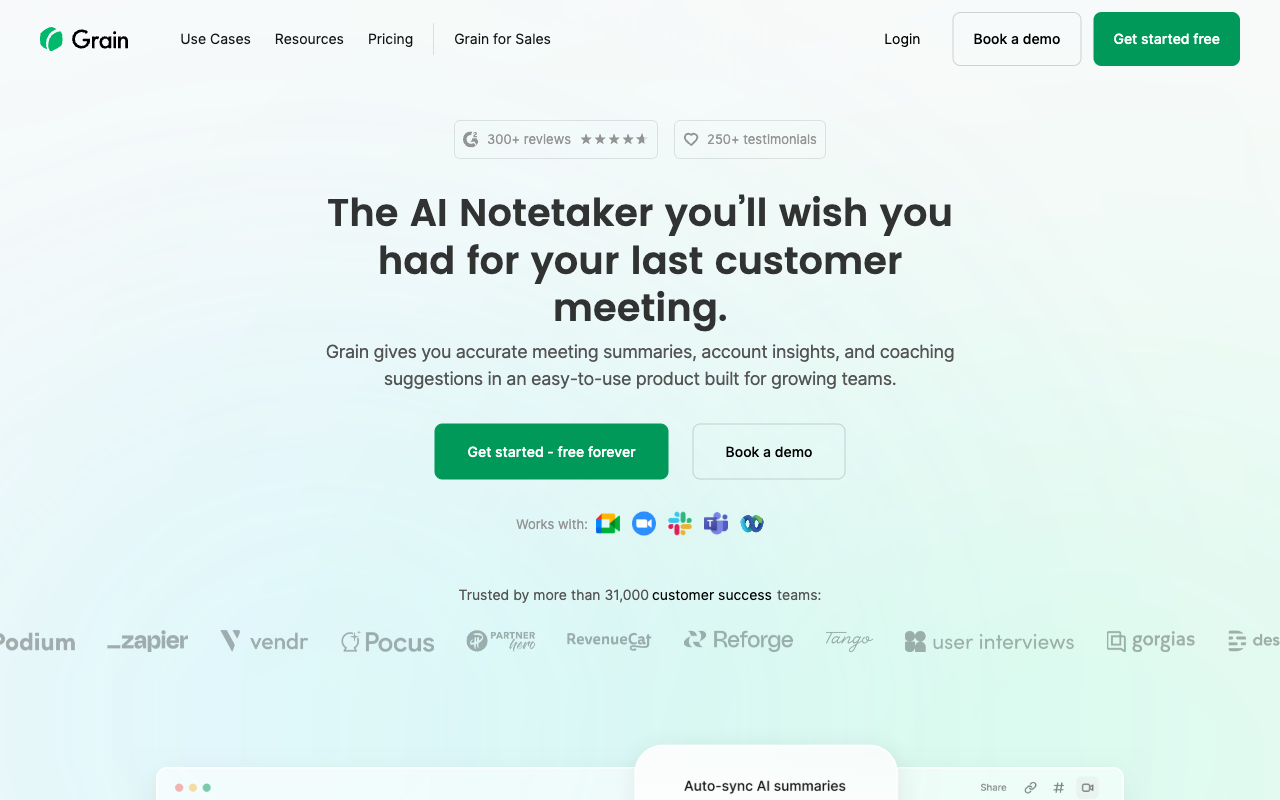
Grain ranks #16 of 28 AI meeting assistants we tested in 2026, scoring 3.5 out of 5. A capable cloud notetaker that has grown from a clip-sharing tool into a revenue-intelligence platform for sales and customer-facing teams. Pricing starts at $15/mo with a free tier available. Available on Web, Chrome, Mac, Windows.
Grain Key Facts
Checked against vendor documentation October 14, 2026- How it records
- Meeting bot; bot-free Desktop Capture (Mac Apple Silicon, Windows); iPhone app in beta
- Where AI processing runs
- Cloud: transcription and AI run on Grain's servers, hosted on AWS in the US
- Works offline
- No — needs an internet connection
- Trains on your data
- No — Grain says it does not train AI models on customer data
- Transcription languages
- Multilingual; Grain does not publish a current count
- Free plan
- Unlimited meetings up to 45 minutes each, 30-day history, AI notes, Desktop Capture
- Paid plans from
- $15/seat/mo billed annually ($19 monthly)
- In-person meetings
- Yes — Desktop Capture and the iPhone app (beta)
- Real-time features
- Live transcript with speaker names on Google Meet bot captures; no live coaching
- Compliance
- SOC 2 Type II; DPAs; SAML SSO on Enterprise; US-only hosting; no HIPAA BAA found
Compare every tool on these facts in the AI meeting assistant fact sheet, or see the best Grain alternatives.
Rating Breakdown
Strengths
- + Strong video clip creation and highlight sharing
- + Cross-meeting 'Ask anything' RAG search with citations
- + Deal intelligence and AI coaching for sales teams
- + Bot-free Desktop Capture on Mac and Windows
- + Deep CRM and Slack integrations, plus MCP/API for AI agents
Weaknesses
- – Cloud-only processing, with storage in the US only
- – No real-time in-meeting coaching
- – No offline capability
- – Business tier adds up across larger teams
Our Verdict
A capable cloud notetaker that has grown from a clip-sharing tool into a revenue-intelligence platform for sales and customer-facing teams.
Grain started life as a tool for clipping and sharing the best moments from recorded calls, and it still does that well. Over the past year, though, it has repositioned itself as an “AI notetaker for agents and teams,” leaning hard into revenue intelligence. Clip-and-share is now one feature among many rather than the headline pitch. A product manager can still clip a customer describing a pain point and drop it into Slack; a sales leader can now also pull deal-by-deal insights, get AI coaching on calls, and ask questions across the entire meeting library.
Grain joins meetings on Zoom, Google Meet, and Microsoft Teams through a recording bot, or you can skip the bot entirely with Desktop Capture. That bot-free mode used to be Mac-only; it now runs on both Mac (Apple Silicon) and Windows, and it captures in-person meetings and Slack huddles as well as virtual calls. In October 2026 Grain added an iPhone app in beta for in-person and phone conversations, plus a recording-consent option on Business and Enterprise that lets attendees approve or decline before the bot records. During or after a meeting you can tag moments in the transcript and create clips in a few clicks, complete with synchronized video and transcript. Grain’s AI handles the summaries, action items, and decisions automatically, and the notetaking layer goes well beyond moment identification.
The platform has found its strongest footing in customer-facing teams. Product teams build customer-insight libraries, UX researchers document testing sessions, and sales and CS teams use the deal and coaching features to track pipeline and improve calls. Transcripts are now enriched with participant context, and Grain supports a range of languages, though it does not publish a current count. An upgraded transcription model and Voice Signatures, which recognise speakers by voice, arrived in August 2026.
Key Features
Grain’s highlight and clip system lets you turn any moment into a shareable video clip with synchronized transcript, organized in a shared library by team, project, or customer. On top of that foundation, the newer AI layer is where most of the recent work has gone. “Ask anything” is a cross-meeting RAG search that answers questions across your whole library and returns citations back to the source calls. For sales teams, a Deals board surfaces deal and performance insights and AI coaching on Business plans. Custom prompts and AI follow-up emails automate the busywork after a call. During Google Meet calls the bot shows a live transcript with speaker names, but there is no live coaching.
Grain has also opened up to external AI tools, including a Grain plugin inside ChatGPT since July 2026. A one-click export sends meeting content to ChatGPT or Claude, with bulk Markdown download available, and an MCP server plus API lets agents like Claude, ChatGPT, or your own custom tooling query transcripts, search across meetings, and pull full meeting history with citations. Slack and CRM integrations round it out, and the transcript search stays linked to video timestamps.
Pricing
Grain’s free plan is permanent and covers unlimited meetings up to 45 minutes each, with 30-day history, AI notes, a basic MCP connection, Desktop Capture, and a collaborative workspace. It also includes unlimited free “viewer” seats, which can view and interact with shared meetings but cannot record. Grain charges per paid seat, and all paid seats on a workspace must sit on the same tier.
The Starter plan is $15 per seat per month billed annually, or $19 per seat per month month-to-month, and provides unlimited recording, AI summaries, clip features, a personal API, and admin controls. The Business plan, at $29 per seat per month annual or $39 per seat per month monthly, adds HubSpot and Salesforce, AI coaching, trackers, unlimited uploads, the workspace API and advanced MCP, and meetings up to 8 hours. Enterprise is custom-priced and adds SAML SSO, priority API support, custom invoicing, and a dedicated customer success manager. The Business tier here is meaningfully cheaper than it was a year ago, which makes the revenue-intelligence features more accessible to smaller sales teams, though seat costs still add up across a larger organization.
Privacy & Security
Grain processes and stores every meeting recording through its cloud infrastructure. Video and audio live on Grain’s servers, hosted on AWS in the US in a dedicated VPC, with no EU data-residency option, and shared clips are hosted there for distribution. Grain holds SOC 2 Type II, signs DPAs, and says it does not train AI models on customer data; we found no HIPAA BAA. Enterprise adds SAML SSO, and since October 2026 Business and Enterprise can require attendee consent before recording and set sensitivity rules for which meetings get recorded, but the architecture is fundamentally cloud-based: your meeting content, including full video, sits externally. For customer research involving sensitive feedback or proprietary product discussions, that storage model is worth weighing against your data-governance policies. The shareable clip feature adds its own consideration around who can access customer-interview content once it leaves the call.
Best For
Grain suits sales, customer success, product, and UX teams that record a lot of calls and need to do something with them: share specific moments, build insight libraries, coach reps, or track deals. The cross-meeting search and MCP/API support also make it a reasonable fit for teams that want their AI agents working over meeting history. It is less suited to anyone who needs offline capture, real-time in-meeting coaching, or a privacy-first tool that keeps recordings off the cloud.
How Grain Compares to Hedy
Grain and Hedy overlap more than they used to, but they still pull in different directions. Grain has built out a genuinely broad platform: bot-free Desktop Capture on Mac and Windows, cross-meeting search with citations, deal intelligence, and an MCP server for agents. Those are real strengths, and for clip-sharing and sales-pipeline work Grain is well ahead of most note-takers.
Where Hedy keeps a durable edge is architecture. Hedy runs its AI end-to-end on your device: transcription, summaries, and real-time coaching all happen locally, with no meeting bot in the call. Grain processes and stores everything in the cloud, and while its Desktop Capture removes the bot, the recordings still leave your machine. Hedy works offline; Grain needs a connection. Hedy gives you live, in-meeting coaching as the conversation happens, whereas Grain’s coaching is built around post-call review. If your priority is shareable video, deal intelligence, and agent access to your meeting library, Grain is a strong pick. If you want full meeting intelligence that stays private and on-device, Hedy is the clearer choice.